Play With Friends Using E4MC
Host a Minecraft world for friends with E4MC Mod. Share one domain, let them join from vanilla clients and keep sessions smooth and safe.
Playing with friends used to mean renting a server or fighting with router settings. The E4MC Mod turns your single-player world into a joinable server with one click, and your friends connect with a normal Minecraft client.
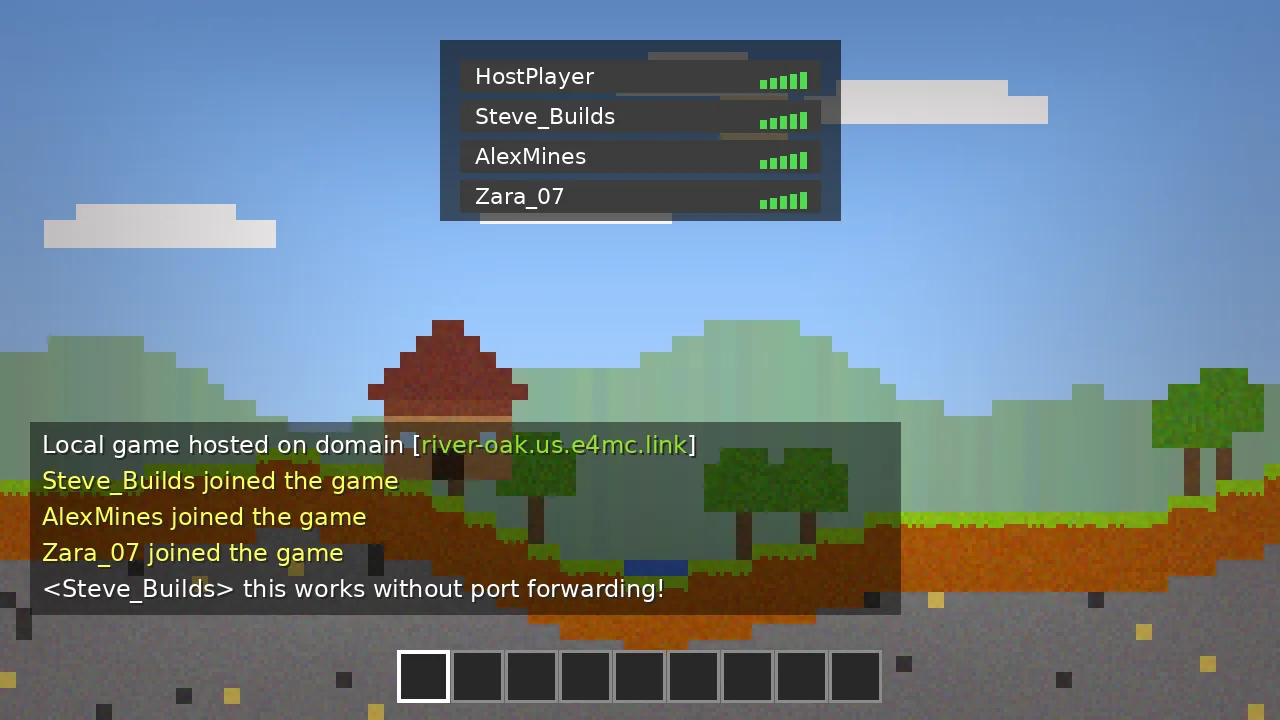
*.e4mc.link domain from chat and send it to friends. They add it as a server and join.Hosting the Session
Load your world, press Esc and choose Open to LAN. Pick the game mode your friends will spawn in and decide whether cheats should be available. Click Start LAN World. The chat shows two lines: the local port and the public domain. The domain is what matters.
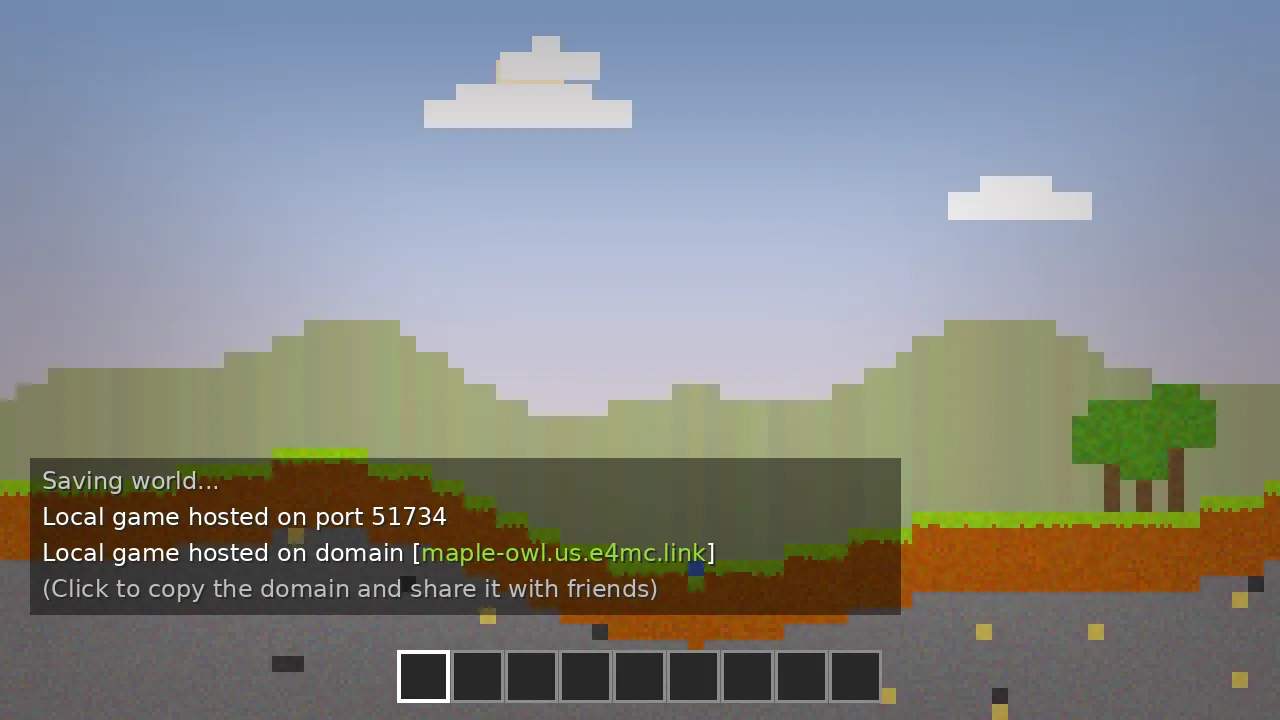
How Friends Join
- Open Minecraft on the same game version as the host.
- Click Multiplayer, then Direct Connection.
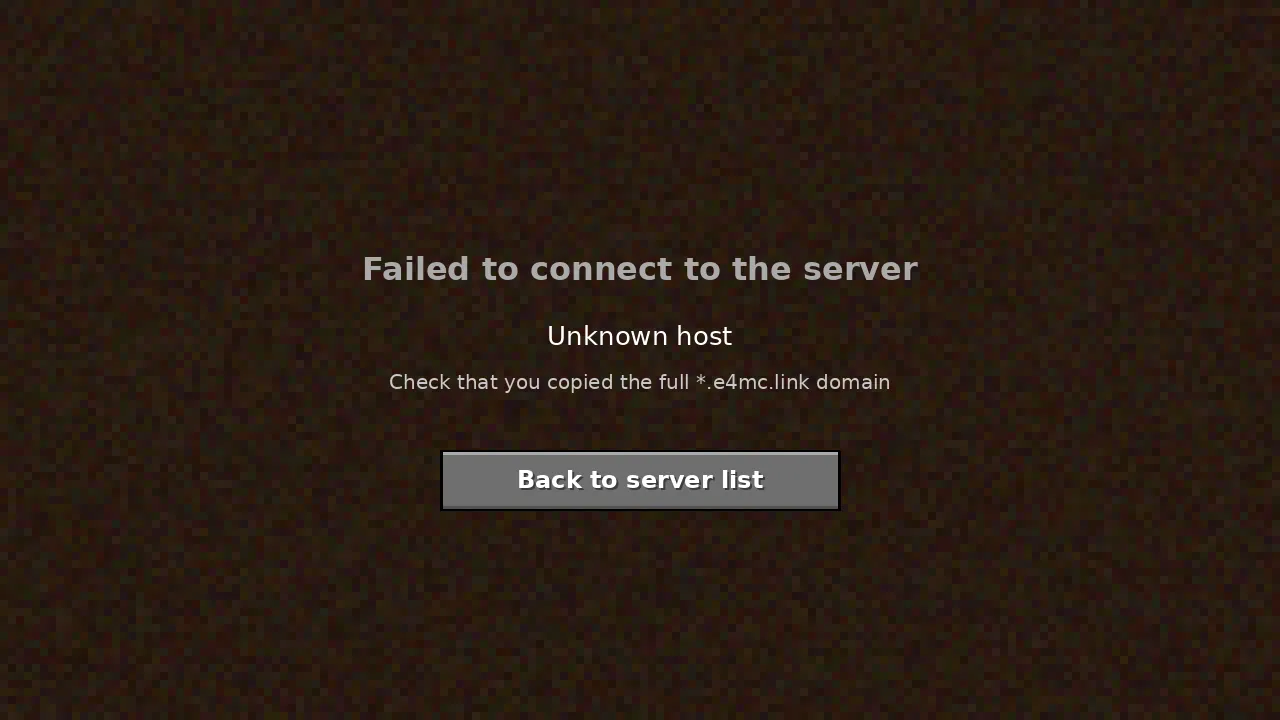
- Paste the full domain, including the
.e4mc.linkpart. - Click Join Server.
Saving the domain with Add Server is handy during one session, but the address can change the next time the host opens to LAN, so share the fresh domain each time.
Playing a Modded World
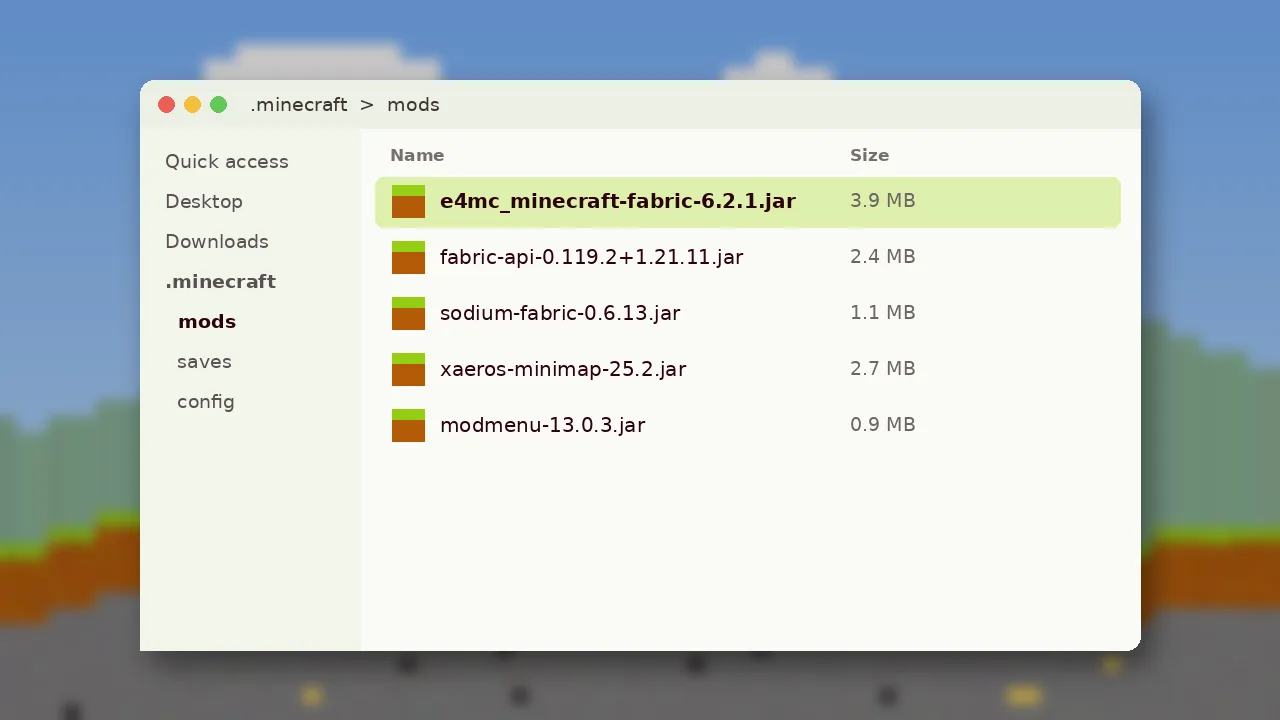
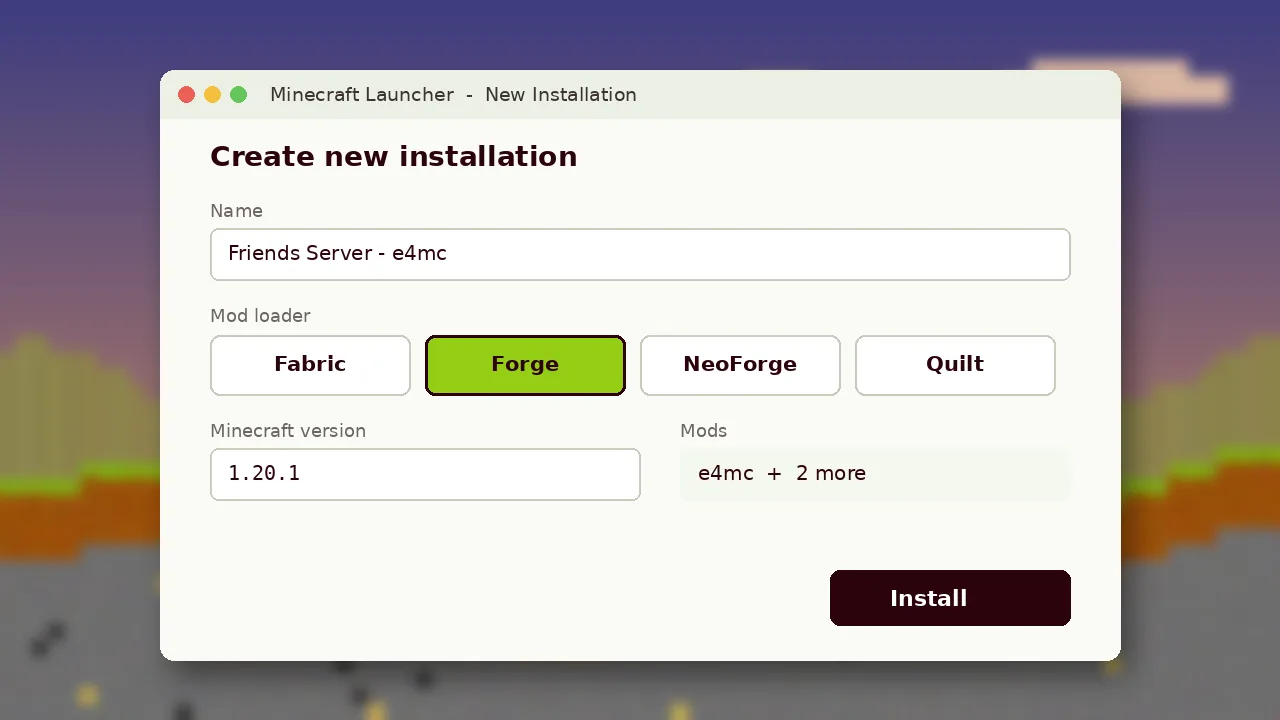
If the world uses content mods, friends need the same loader and the same mod list. The simplest approach is to export your instance from a launcher like Prism or the Modrinth App and share the pack file. Only the host needs e4mc itself.
Tips for a Smooth Session
- Host from the most powerful computer in the group, ideally on a wired connection.
- Close downloads and streaming on the host while playing.
- Keep render distance moderate; the host's machine simulates the whole world.
- Only share the domain in private chats. Anyone with it can try to connect while the world is open.
Know the Limits
The world is only online while the host is playing. When the host quits, everyone disconnects. For a world that stays up around the clock, a dedicated server is still the right tool. Compare options in E4MC vs port forwarding, or read the E4MC FAQ for quick answers.