E4MC Not Working? Fix It
E4MC Mod not showing a domain, or friends can't connect? Work through these proven fixes for loaders, firewalls, versions and timeouts.
When the E4MC Mod works, it feels like magic. When it does not, the cause is almost always one of a handful of setup issues. Work through the checks below in order; most problems are solved by the third step.
.e4mc.link domain on the same Minecraft version, and allow Java through your firewall.1. No Domain Appears in Chat
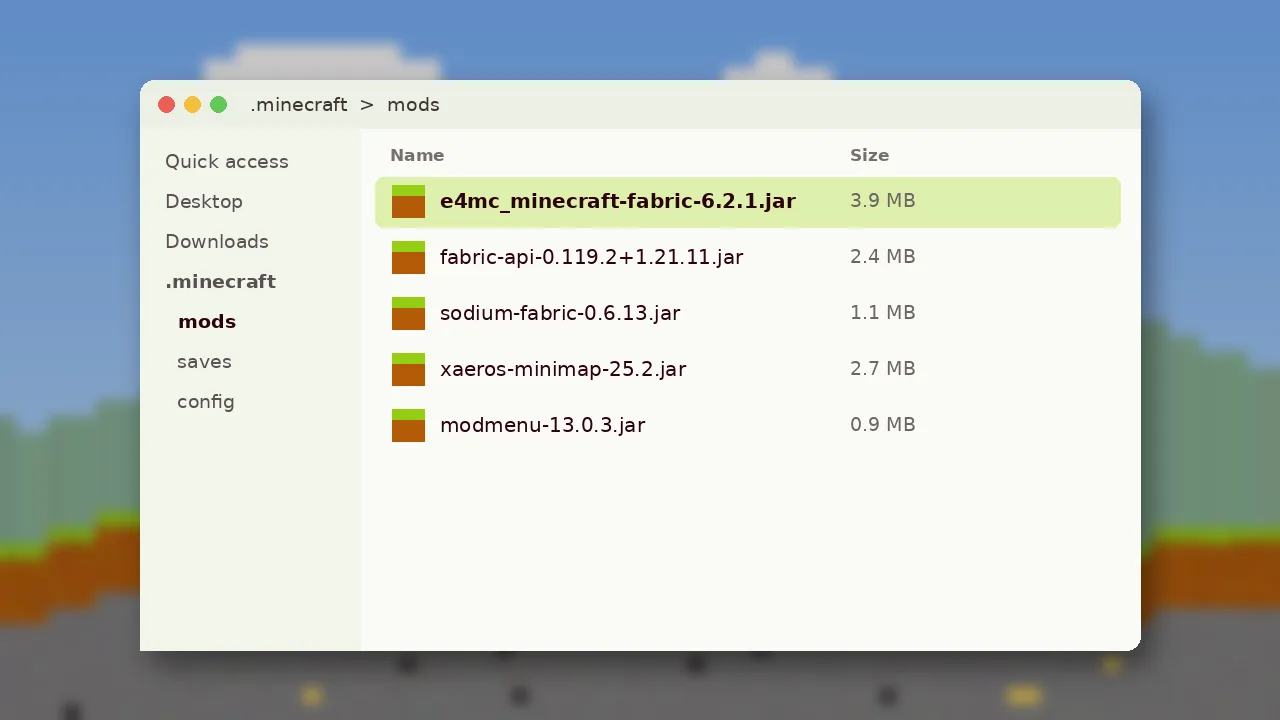
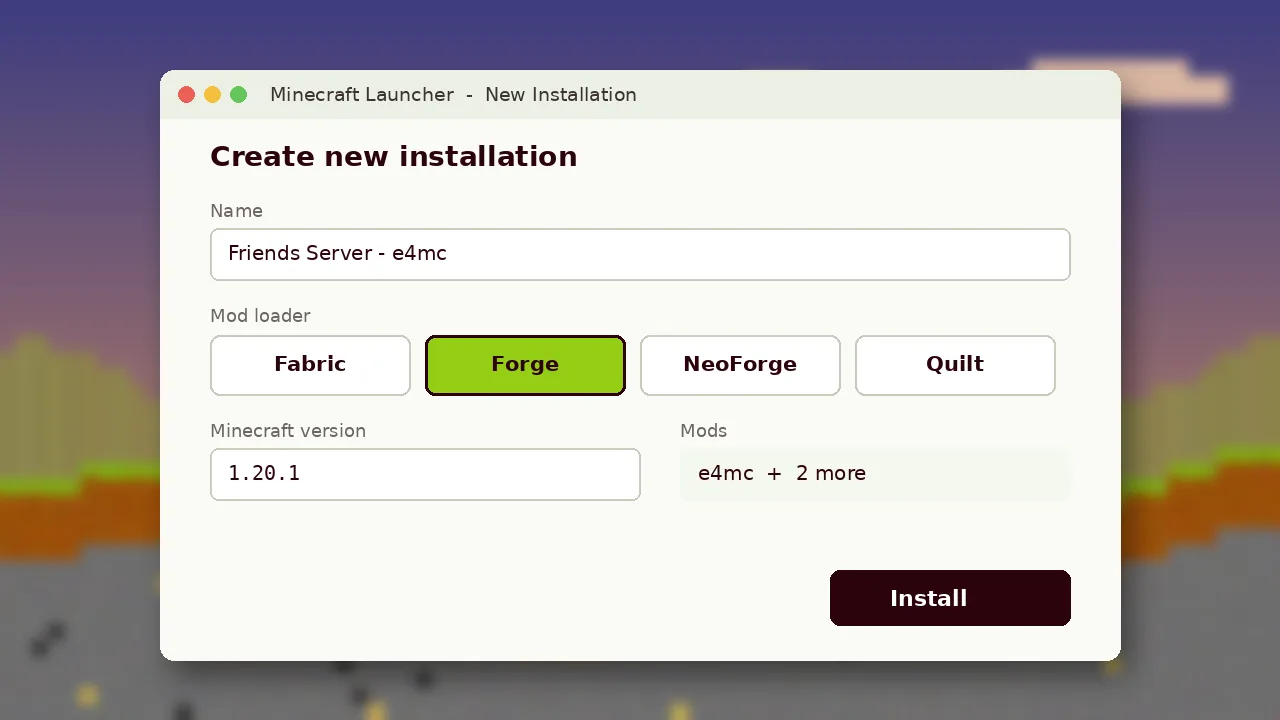
If you see "Local game hosted on port" but no domain, the mod is not loaded. Open the Mods menu (Mod Menu on Fabric) and look for e4mc. If it is missing, you placed a Forge jar in a Fabric profile, used the wrong game version, or put the file in a different instance folder.
2. Version Mismatch
Friends must run the exact same Minecraft version as the host. A friend on 1.21.10 cannot join a 1.21.11 world. The error usually reads "Outdated client" or "Outdated server".
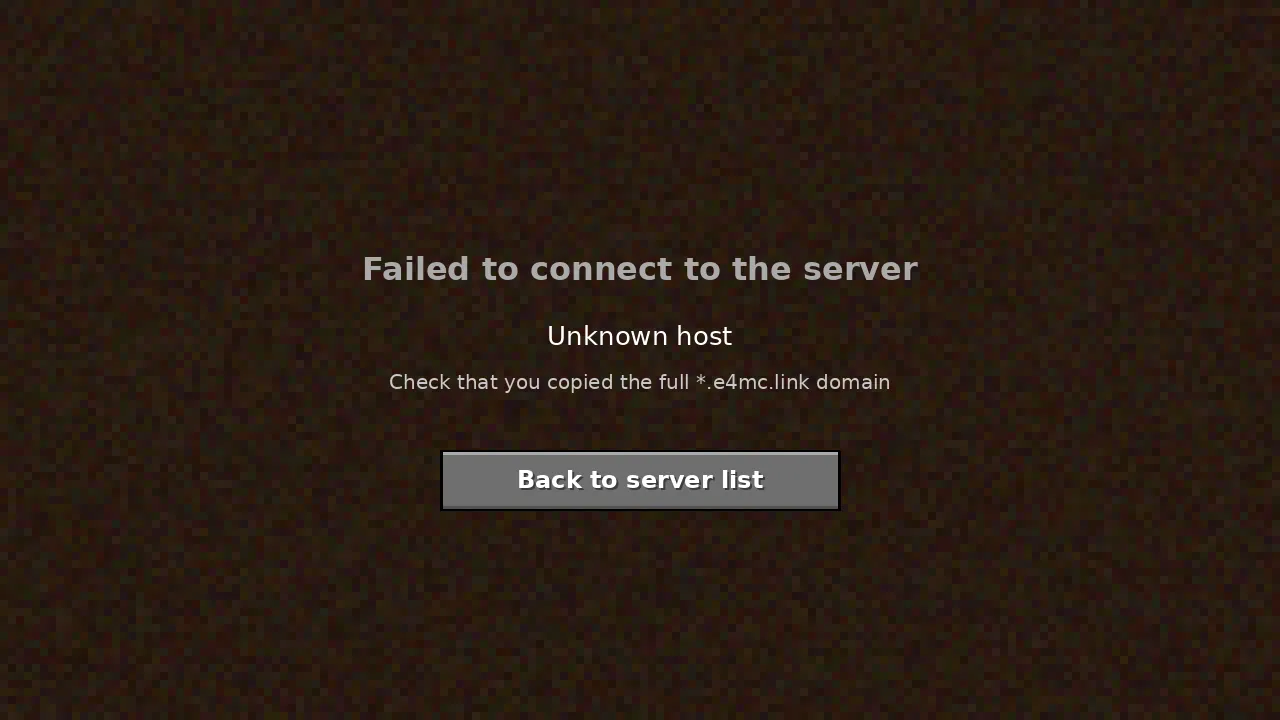
3. Incomplete Domain
Copying by hand often drops a letter or the region part of the address. Ask the host to click the domain in chat, which copies it exactly, and paste rather than retype.
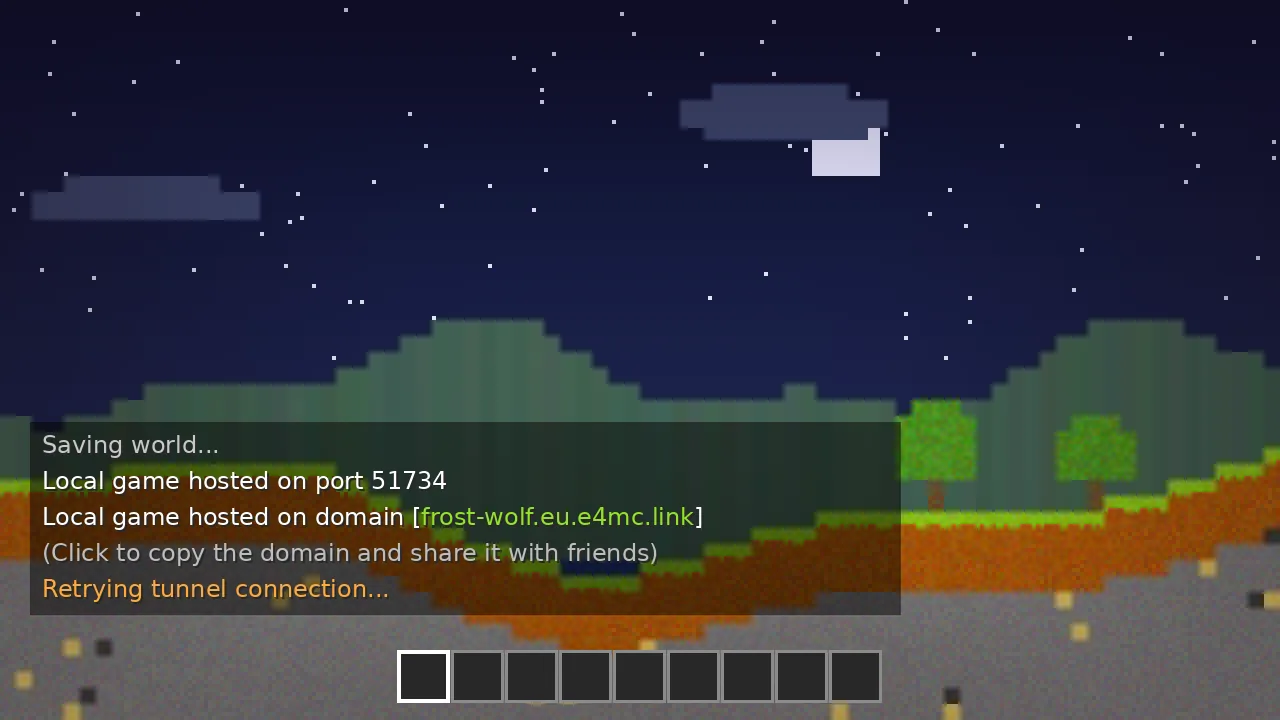
4. Firewall or Antivirus Blocking Java
E4MC Mod makes an outbound connection to its relay. Strict firewalls or security suites can block Java. Allow javaw.exe (Windows) or the Java runtime your launcher uses, then reopen the world to LAN.
5. Restricted Networks
School, office and some public Wi-Fi networks block unusual outbound traffic. Try a home connection or a phone hotspot to confirm whether the network is the issue.
6. Missing Mods on the Friend's Side
Modded worlds reject clients missing required content mods. The disconnect screen often lists what is missing. Share the full mod list or an exported pack.
7. Timeouts During Play
Lag and "Timed out" disconnects point to the host's hardware or upload speed. Lower render and simulation distance, close background apps and host on a wired connection.
8. Conflicting Networking Mods
Other LAN or tunnelling mods can clash with e4mc. Remove similar mods temporarily and test with e4mc alone.
9. Read the Log
Open .minecraft/logs/latest.log and search for "e4mc". Error lines there are the best information to include when reporting an issue on the mod's GitHub page.
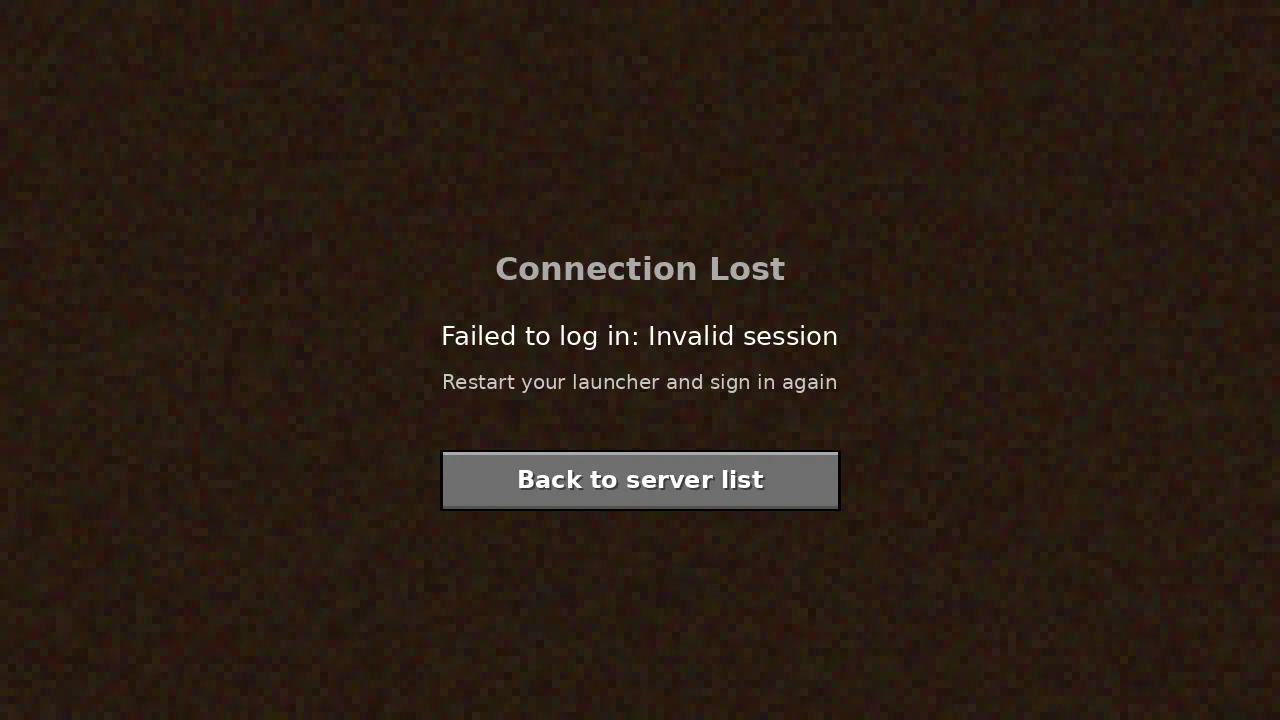
Seeing an "Invalid session" message instead? That has its own fix in fixing invalid session errors. The troubleshooting section of the guide covers more cases.