E4MC Fabric vs Forge Guide
Choosing between E4MC Mod for Fabric, Forge, NeoForge and Quilt? Compare version coverage, modpack fit and install steps for each loader.
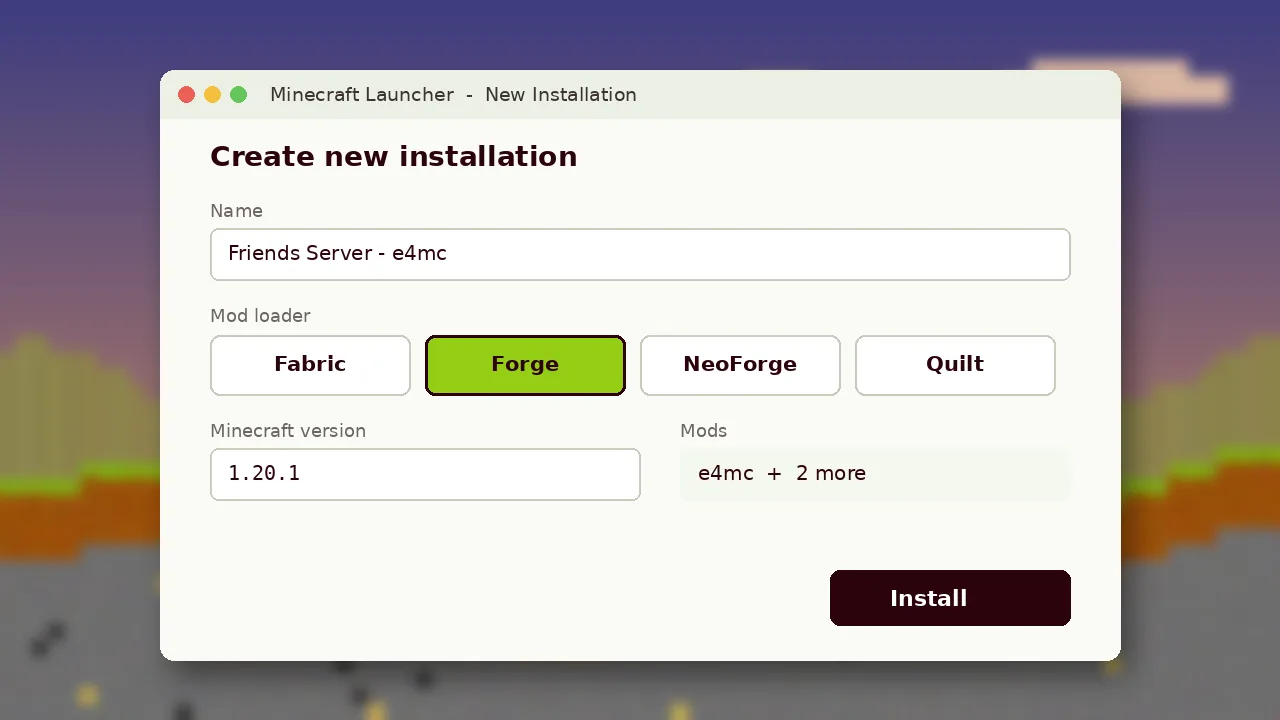
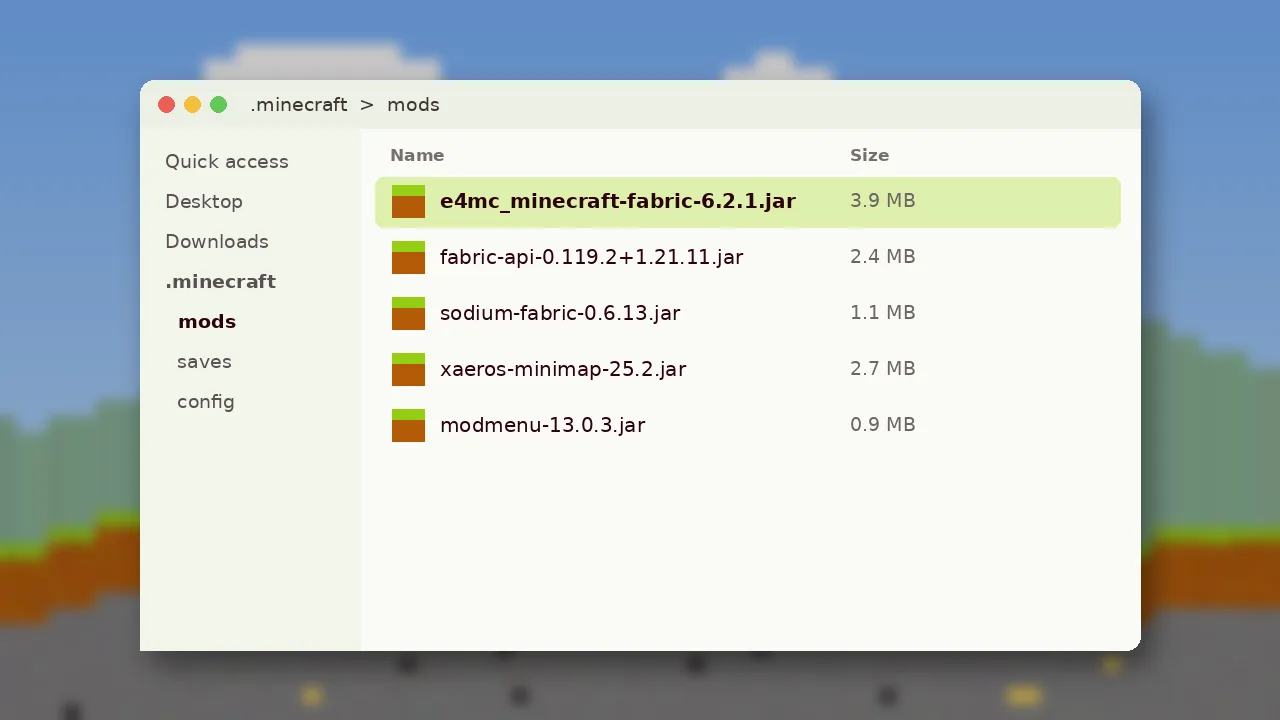
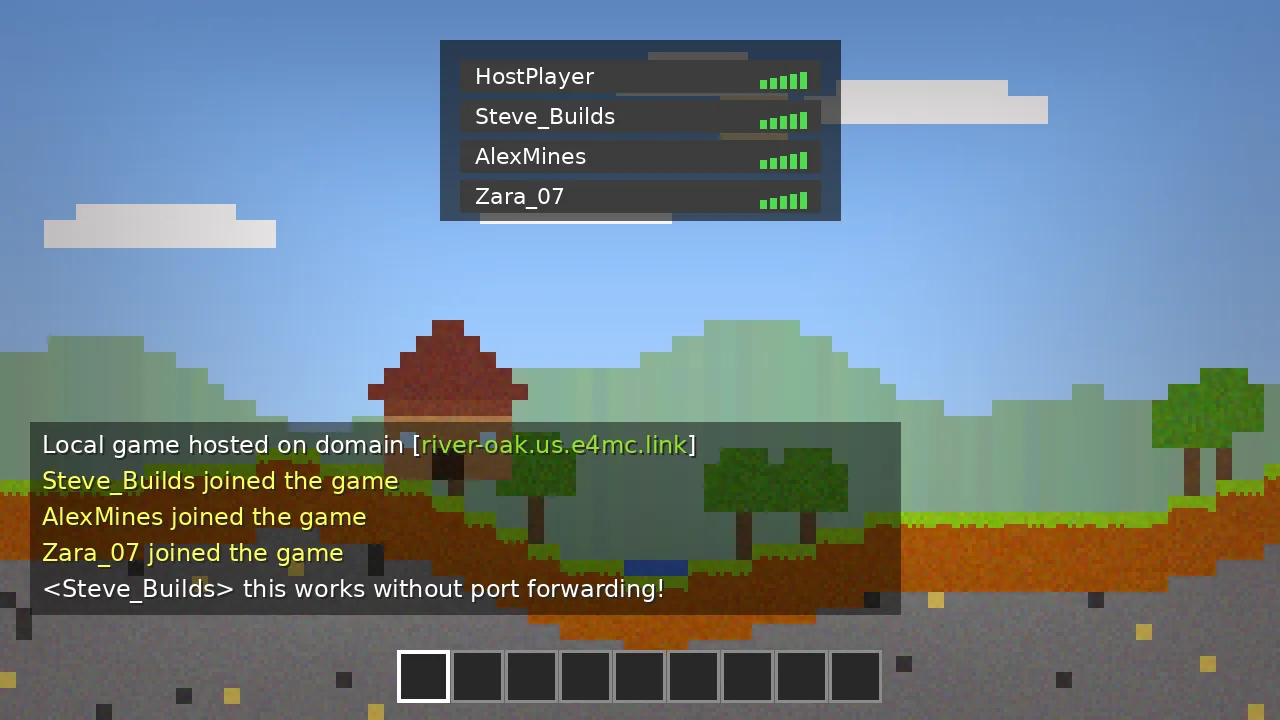
The E4MC Mod ships separate builds for Fabric, Quilt, Forge and NeoForge. The feature set is the same on every loader: open to LAN, get a public domain, share it. What changes is which Minecraft versions each build covers and which modpacks it fits into.
Version Coverage by Loader
| Loader | Typical e4mc range | Best for |
|---|---|---|
| Fabric / Quilt | 1.18 to 1.21.11, plus a modern build for 26.x | Lightweight and performance packs |
| NeoForge | 1.20.2 up to the newest 26.x releases | Large modern content packs |
| Forge | 1.18 to 1.20.4 | Classic 1.18 to 1.20.1 modpacks |
Ranges change as new releases land, so always confirm the exact file on the download page before you install.
When Fabric Makes Sense
Fabric starts fast and pairs well with optimisation mods. If you mostly play vanilla-style survival with a few quality-of-life additions, Fabric keeps things simple. Quilt can load most Fabric mods, so the Fabric build of e4mc usually works there too.
When Forge or NeoForge Makes Sense
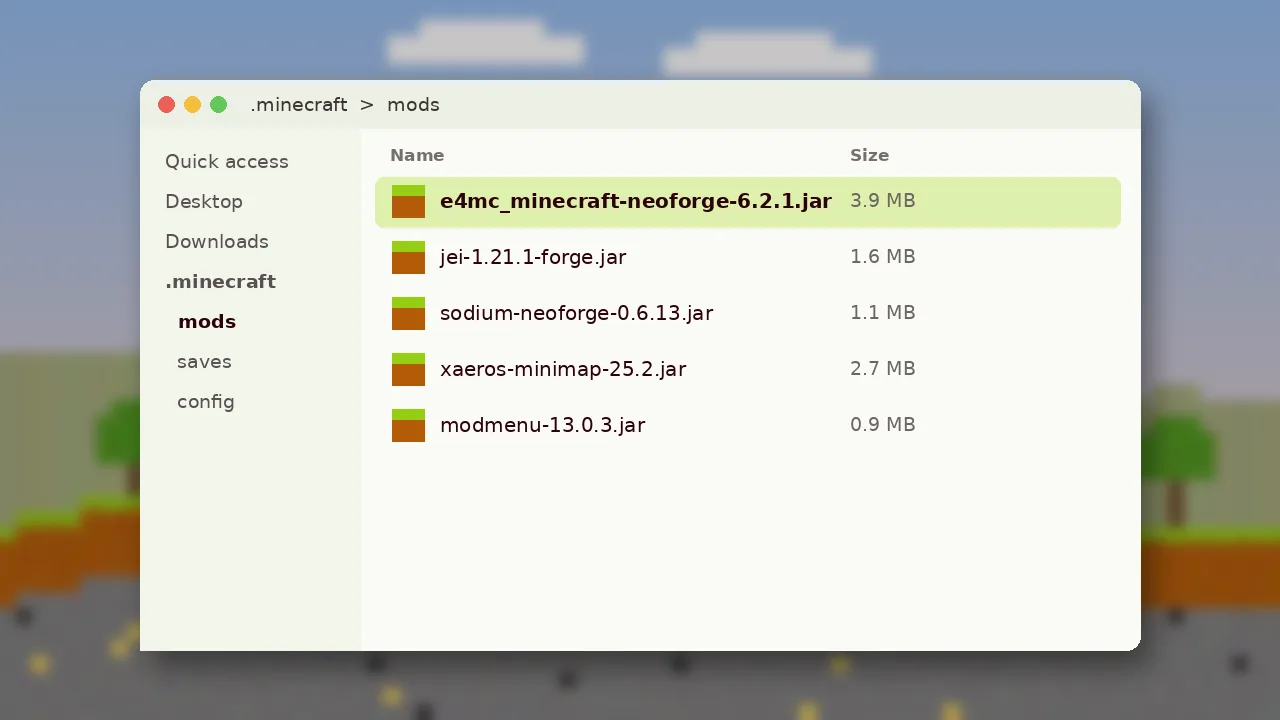
Big content packs built around tech, magic or exploration mods often run on Forge for older versions and NeoForge for newer ones. If your pack uses one of these, install the matching e4mc build rather than switching loaders. Mixing loaders in one instance does not work.
What Your Friends Need
The host is the only player who needs e4mc. However, if your world includes content mods such as new blocks or mobs, every friend needs the same loader and the same content mods at the same versions. Client-only mods like minimaps can differ between players.
Switching Loaders Safely
- Back up your
savesfolder first. - Create a new launcher profile for the new loader rather than editing the old one.
- Install the matching e4mc jar and any content mods for that loader.
- Open a copy of your world and test before inviting friends.
Still unsure which version your pack supports? The E4MC version support guide covers every range in detail, and the installation page has loader-specific steps.