Fixing Invalid Session Errors
Getting 'Failed to log in: Invalid session' when joining an E4MC Mod world? Learn why it happens and how to fix it in a few minutes.
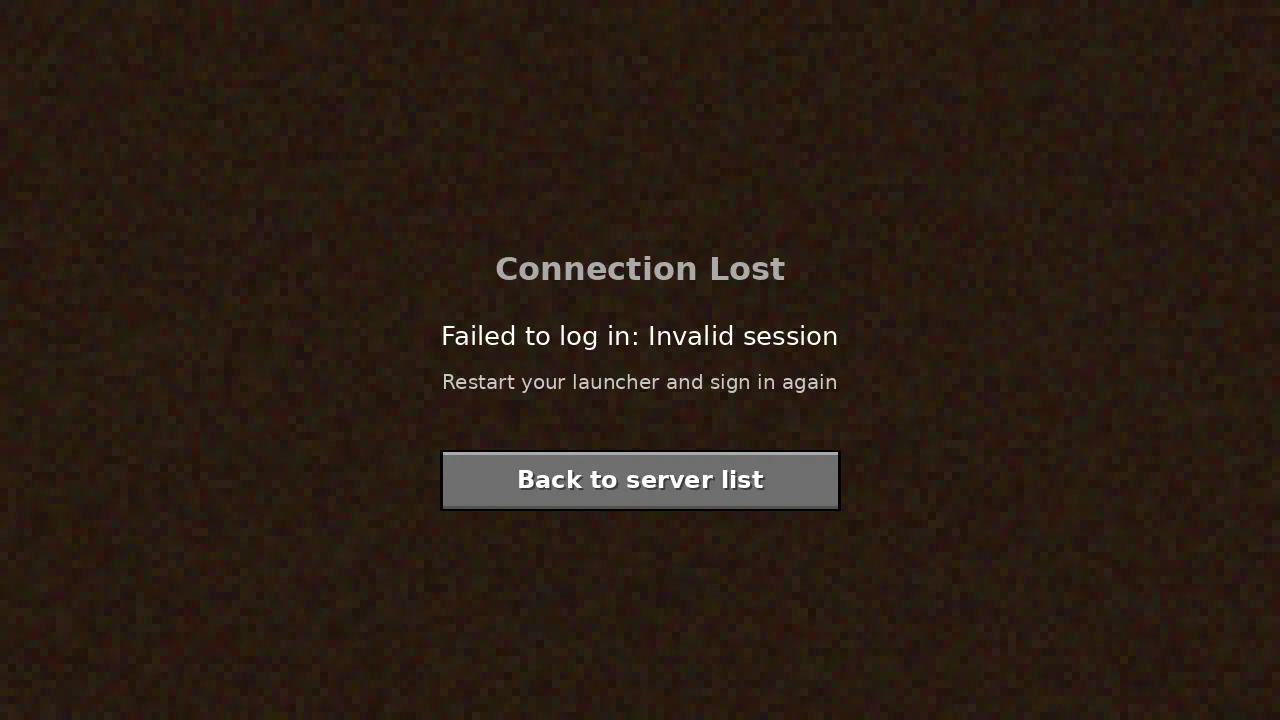
"Failed to log in: Invalid session" is one of the most searched errors among E4MC Mod players. The good news is that it is rarely caused by the mod itself. It comes from Minecraft's account verification, which LAN worlds shared through e4mc still perform.
Why the Error Happens
When a friend joins, the host's game checks with Minecraft's authentication service that the friend's session is valid. Sessions expire. If a launcher stays open for a long time, or an account token becomes stale, the check fails and the friend sees the error.
Fix on the Joining Player's Side
- Quit Minecraft and close the launcher completely, including any tray icon.
- Reopen the launcher and sign out of your Microsoft account.
- Sign back in and launch the game again.
- Rejoin using the current domain from the host.
Fix on the Host's Side
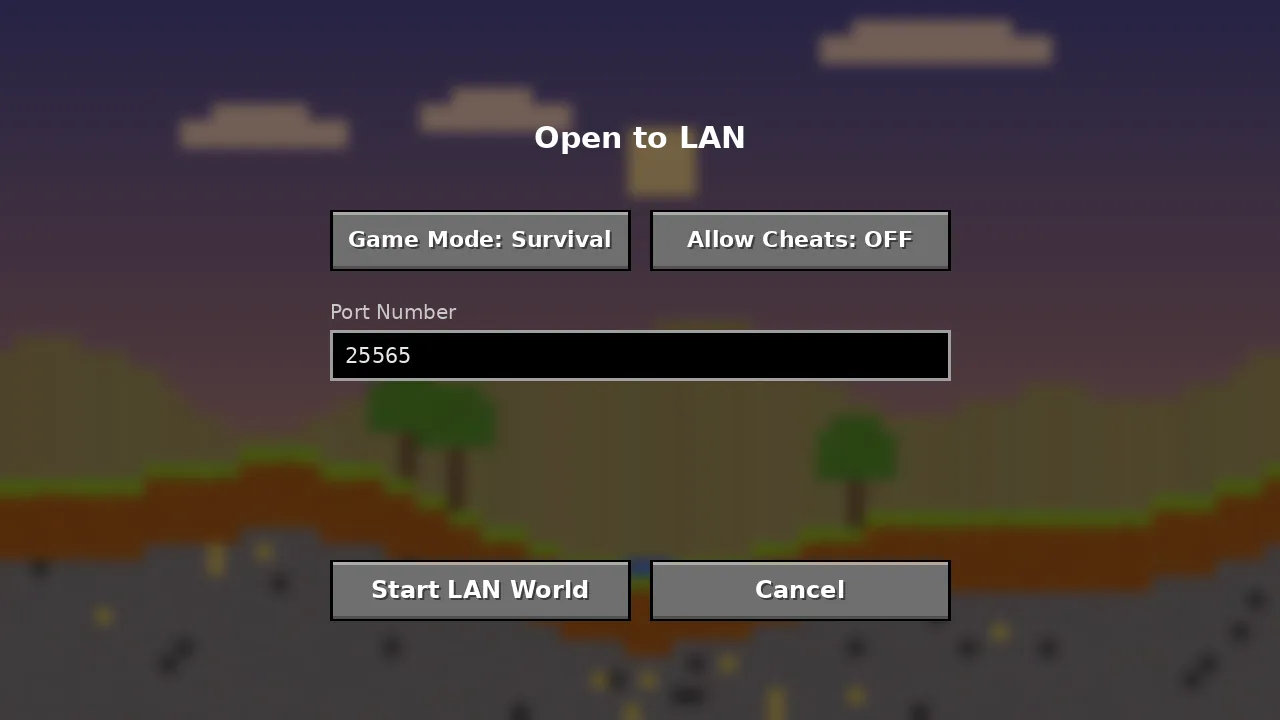
The host's session matters too. Restart the launcher, sign in again and reopen the world to LAN. This issues a fresh e4mc domain, so share the new one.
Third-Party Launchers
If you use Prism, the Modrinth App or another launcher, refresh the Microsoft account inside that launcher's account settings. Removing and re-adding the account often clears stubborn tokens.
About Offline Accounts
Players without a legitimate Minecraft account cannot pass the authentication check. Some players look for workarounds that disable verification. Those tools are separate projects, are not part of E4MC Mod, and open your world to anyone who can guess or obtain the domain. We recommend keeping verification on.
Still Stuck?
Check the system clock on both computers; a wrong date or time breaks authentication. Then run through the general E4MC fixes or ask in the mod's issue tracker. Our FAQ covers related login questions.