E4MC vs Port Forwarding
Port forwarding or E4MC Mod? See how a relay tunnel compares with opening router ports for speed, security, setup time and reliability.
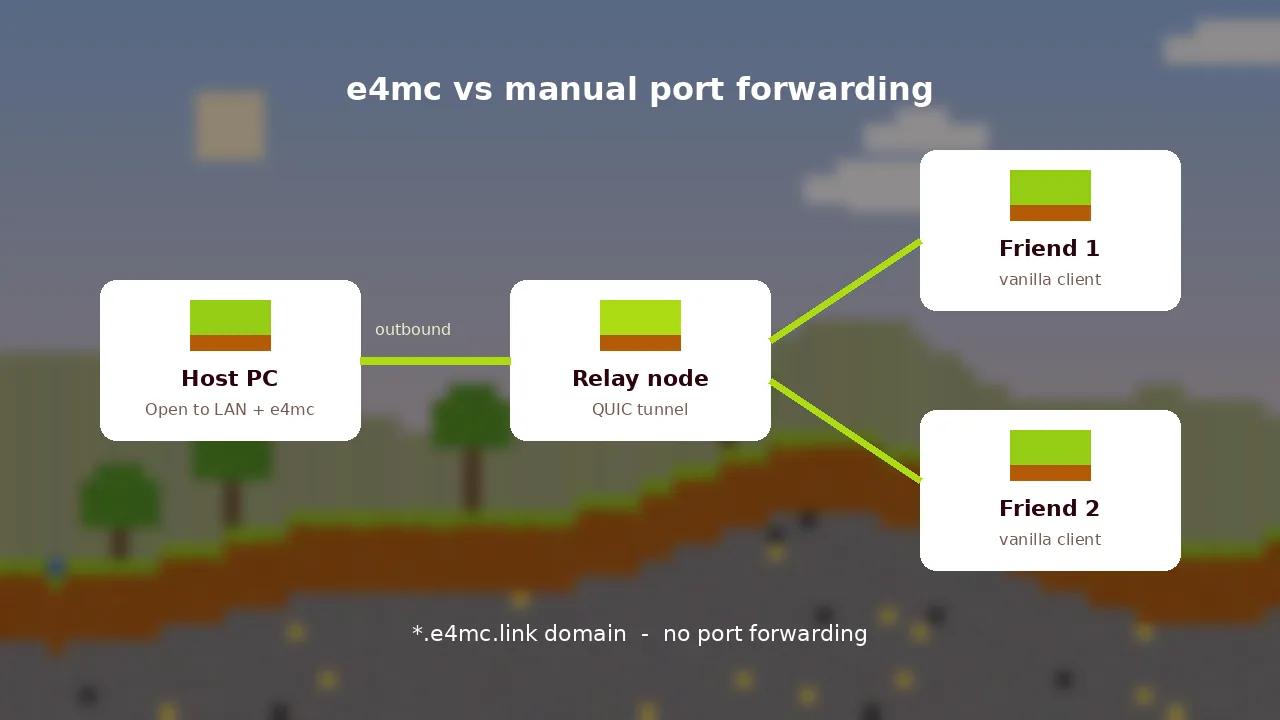
Port forwarding is the traditional way to let friends reach a Minecraft world on your computer. The E4MC Mod replaces that process with an outbound tunnel. Here is how the two compare in practice.
How Port Forwarding Works
You log in to your router, create a rule that sends traffic on a port such as 25565 to your computer's local address, allow it through your firewall, then share your public IP. It works well when your ISP gives you a public IPv4 address and you control the router.
How E4MC Works
E4MC opens an outbound QUIC connection from your game to a relay node. The relay gives you a domain and forwards players' connections back through the tunnel. Because the connection starts from your side, router rules are not needed.
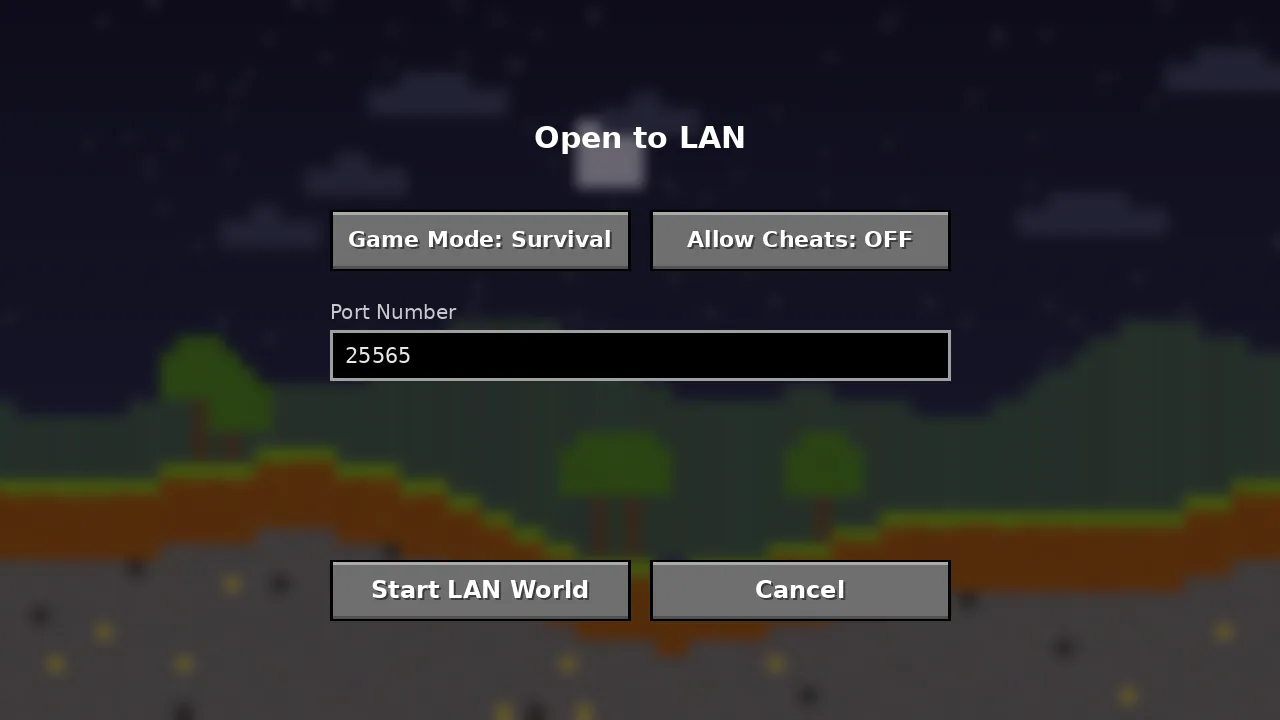
Comparison
| Factor | E4MC Mod | Port forwarding |
|---|---|---|
| Setup time | Under a minute | 10 to 30 minutes |
| Router access | Not needed | Required |
| Works behind CG-NAT | Yes | Usually no |
| Home IP exposed | No | Yes |
| Latency | Small relay overhead | Direct |
| 24/7 servers | Not designed for it | Suitable |
Security Considerations
Forwarded ports stay open until you remove the rule, and your IP address is visible to everyone you share it with. E4MC domains only work while the world is open, and friends see the relay instead of your address.
Which Should You Choose?
For evening sessions with friends, E4MC wins on convenience. For a permanent community server, set up a dedicated server with proper hosting. Read how to play with friends using E4MC or grab the latest build from the download page.