
One-Click Public Domain
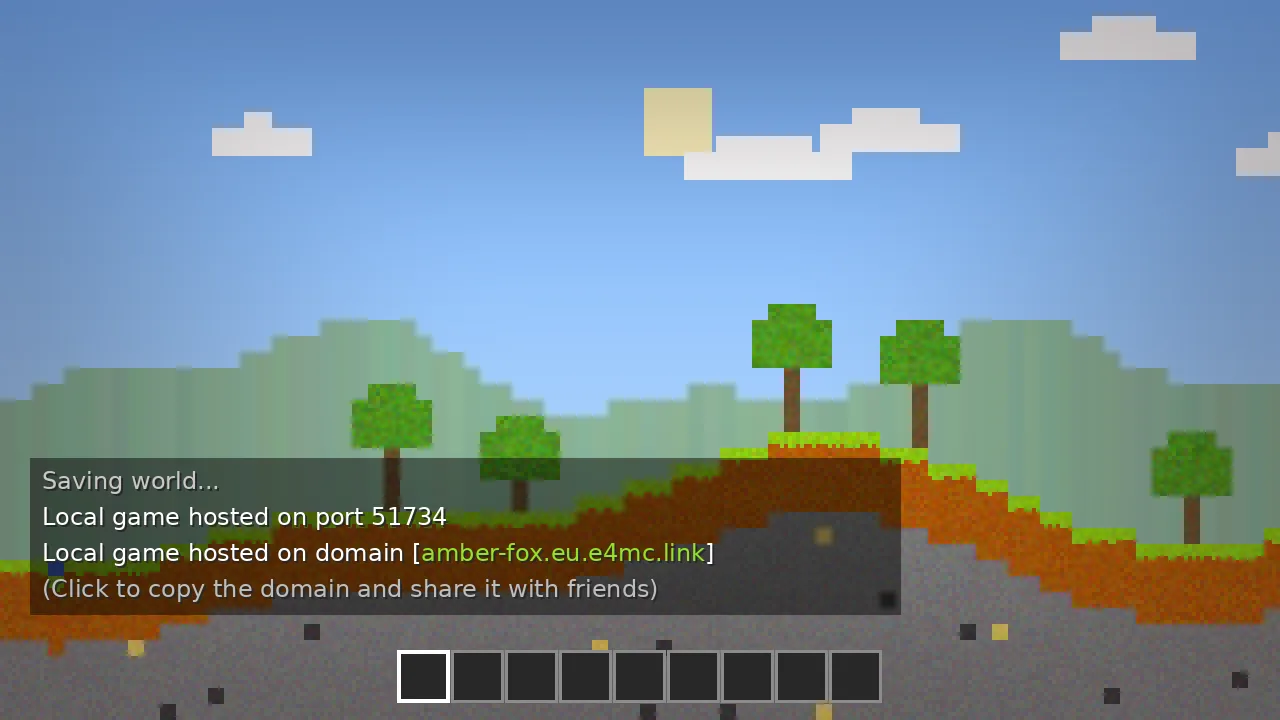
Open to LAN and a shareable e4mc.link address appears in chat, ready to copy.
Everything E4MC Mod does, how it works under the hood, and how it compares with other ways to play Minecraft together.
Everything E4MC Mod does is aimed at one outcome: getting your friends into your world faster.
Open to LAN and a shareable e4mc.link address appears in chat, ready to copy.
The tunnel connects outward, so you never touch router settings or firewall rules.
Only the host installs the mod. Guests connect with an unmodified client.
Traffic routes through a relay near you to keep latency low for the whole group.
Friends connect to the relay domain, not to your home IP address.
Builds for Fabric, Quilt, Forge and NeoForge fit into almost any modpack.
A few megabytes with no settings screens and no measurable FPS impact.
Client and relay code are public under the MIT license for anyone to audit.
New Minecraft releases, including the 26.x line, get builds quickly.
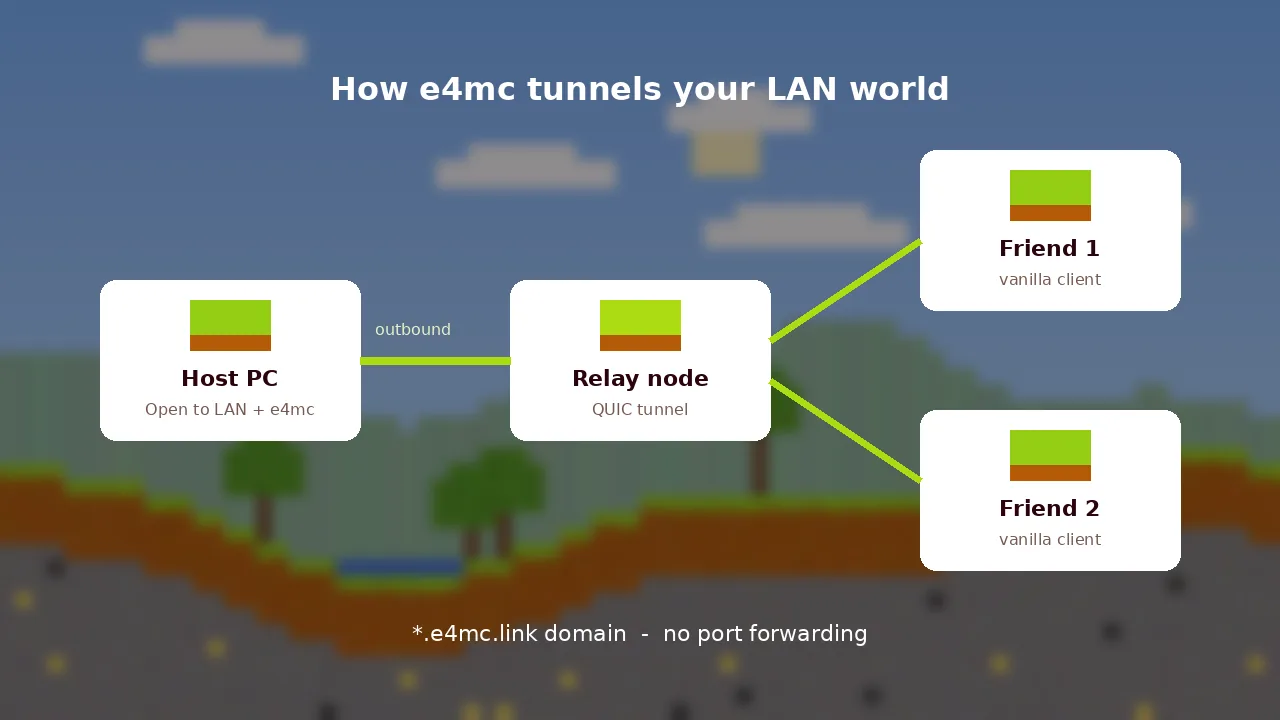
Five steps happen in the few seconds between clicking Start LAN World and your friend spawning next to you.
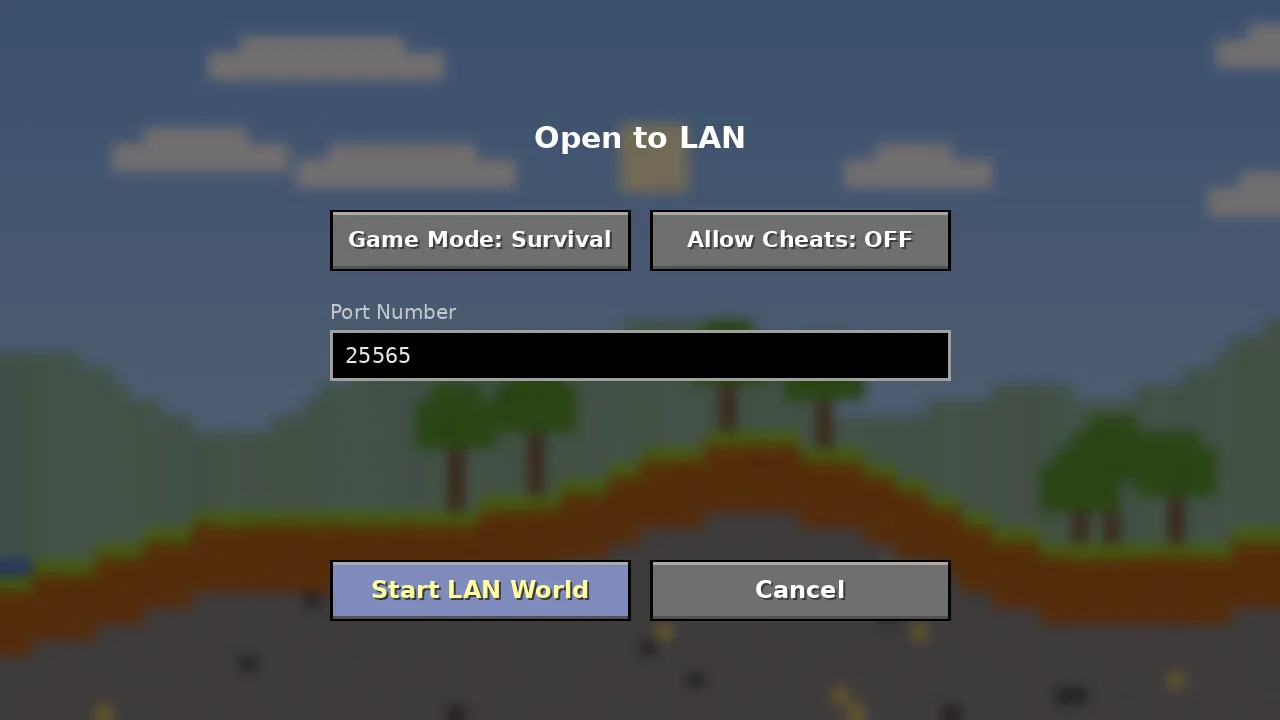
Minecraft starts its built-in LAN server on a local port.
E4MC opens an outbound QUIC connection to the nearest relay.
The relay assigns a unique e4mc.link address and shows it in chat.
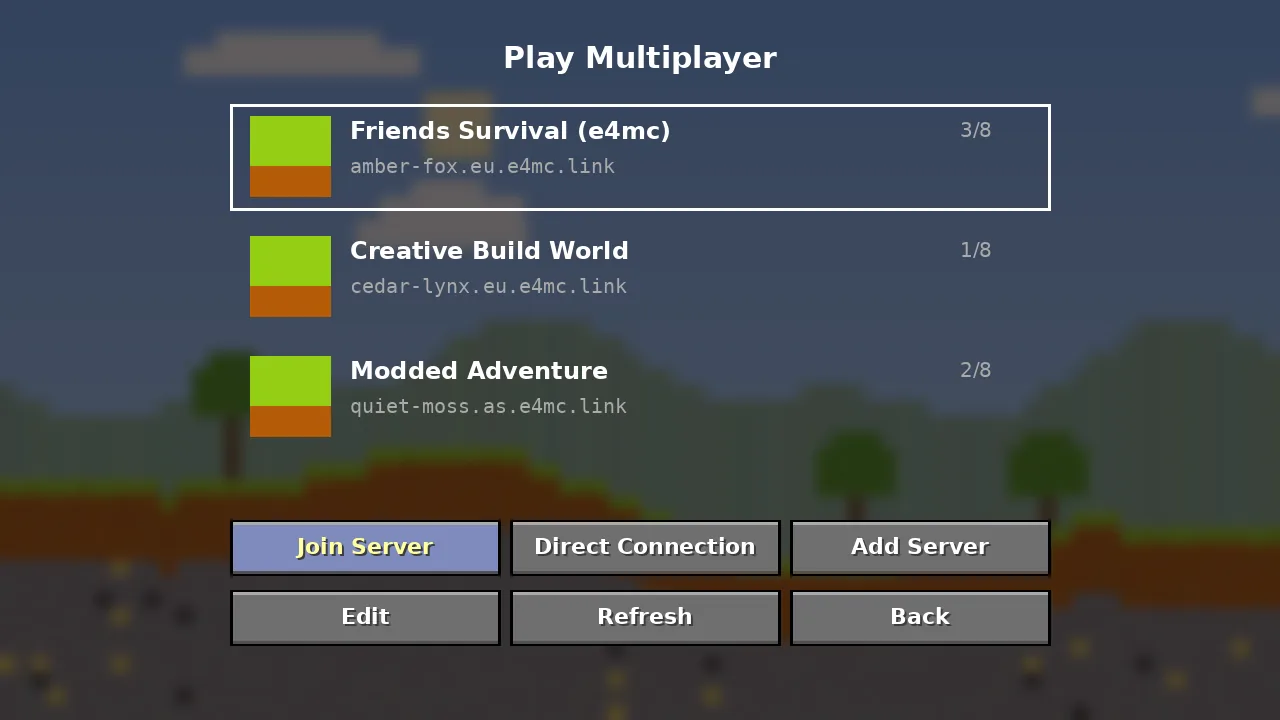
The friend's client connects to the domain like any server.
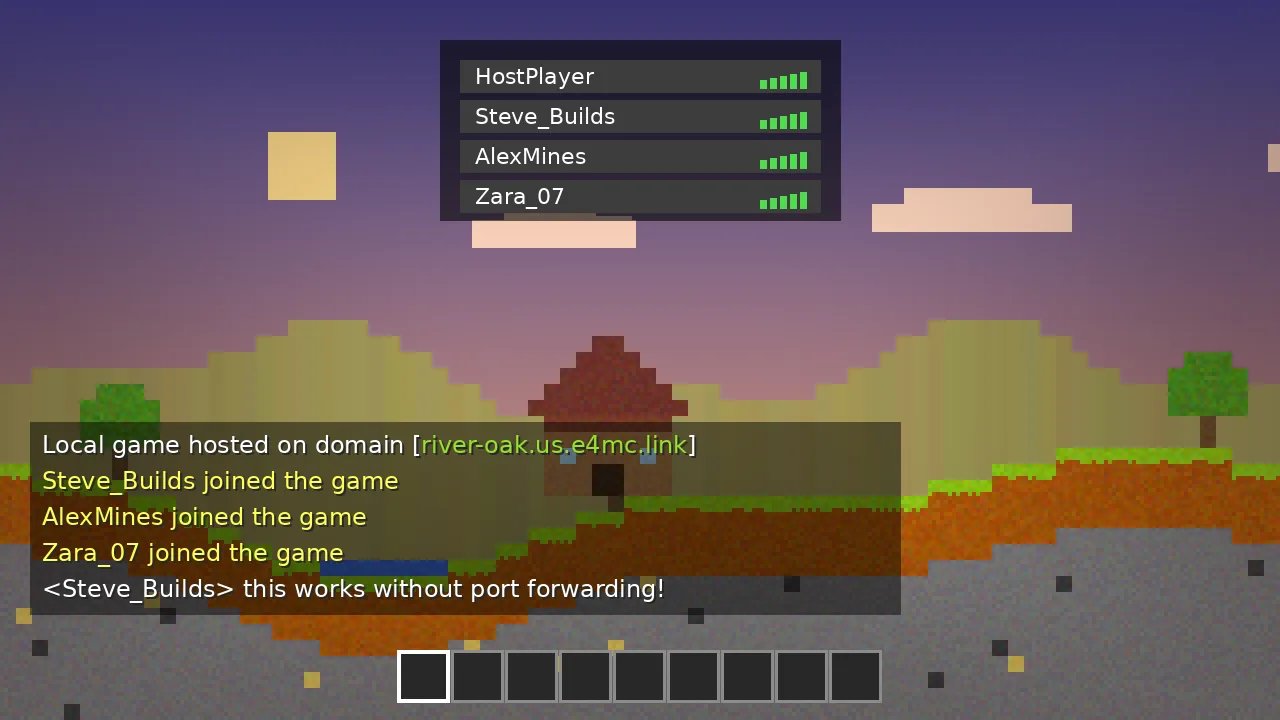
Packets travel through the tunnel to the host and back.
An honest look at where E4MC Mod shines and where another tool might suit you better.
Different groups, same need: getting people into one Minecraft world with no setup.
Run a shared class world for a building project without asking IT to open ports.
Jump into co-op survival with friends the moment someone says let's play.
Test your own mods in multiplayer with a teammate across town.
Host team-building sessions or community events with no server bill.
Share controlled Minecraft environments with study participants remotely.
Let viewers join a stream world for an hour without a permanent server.
How E4MC Mod compares with other ways to play Minecraft together online. Ratings are our editorial scores.
| Software | Price | License | OS Support | Features | Rating | Pros | Cons |
|---|---|---|---|---|---|---|---|
| E4MC Mod | Free | MIT | Win, Mac, Linux | Domain tunnel, host-only install | ★ 4.8 | Zero setup | Session-only |
| Essential Mod | Free + cosmetics | Proprietary | Win, Mac, Linux | Invites, friends list, cosmetics | ★ 4.5 | Social features | Larger install |
| World Host | Free | Open source | Win, Mac, Linux | Friends list, LAN sharing | ★ 4.3 | Friend-based | Friends need mod |
| playit.gg | Free / Premium | Proprietary | Win, Mac, Linux | Tunnel agent for any server | ★ 4.4 | Works for servers | Separate app |
| Radmin VPN | Free | Proprietary | Windows | Virtual LAN network | ★ 4.0 | Simple VPN | Everyone installs |
| ZeroTier | Free tier | Source-available | All major OS | Virtual network | ★ 4.2 | Flexible | Technical setup |
| Port forwarding | Free | N/A | Any | Direct router rule | ★ 3.6 | No middleman | Exposes IP |
Detailed head-to-heads: E4MC vs Essential Mod and E4MC vs port forwarding.
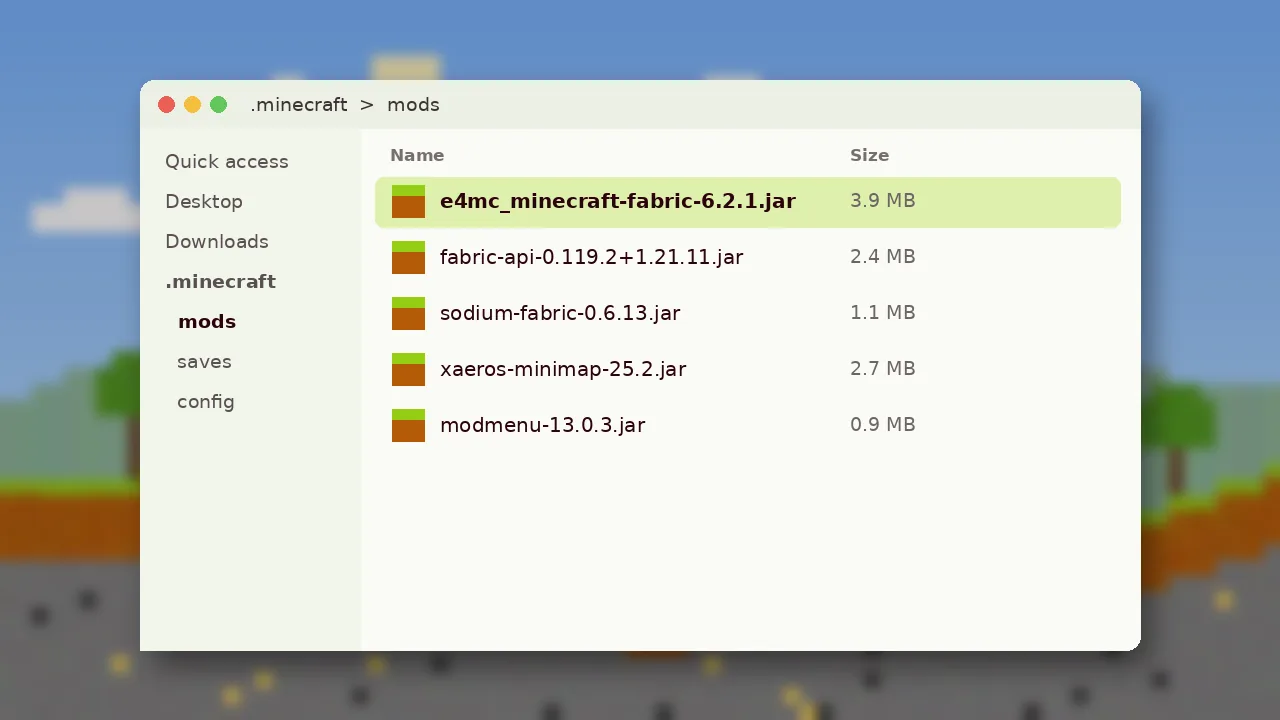
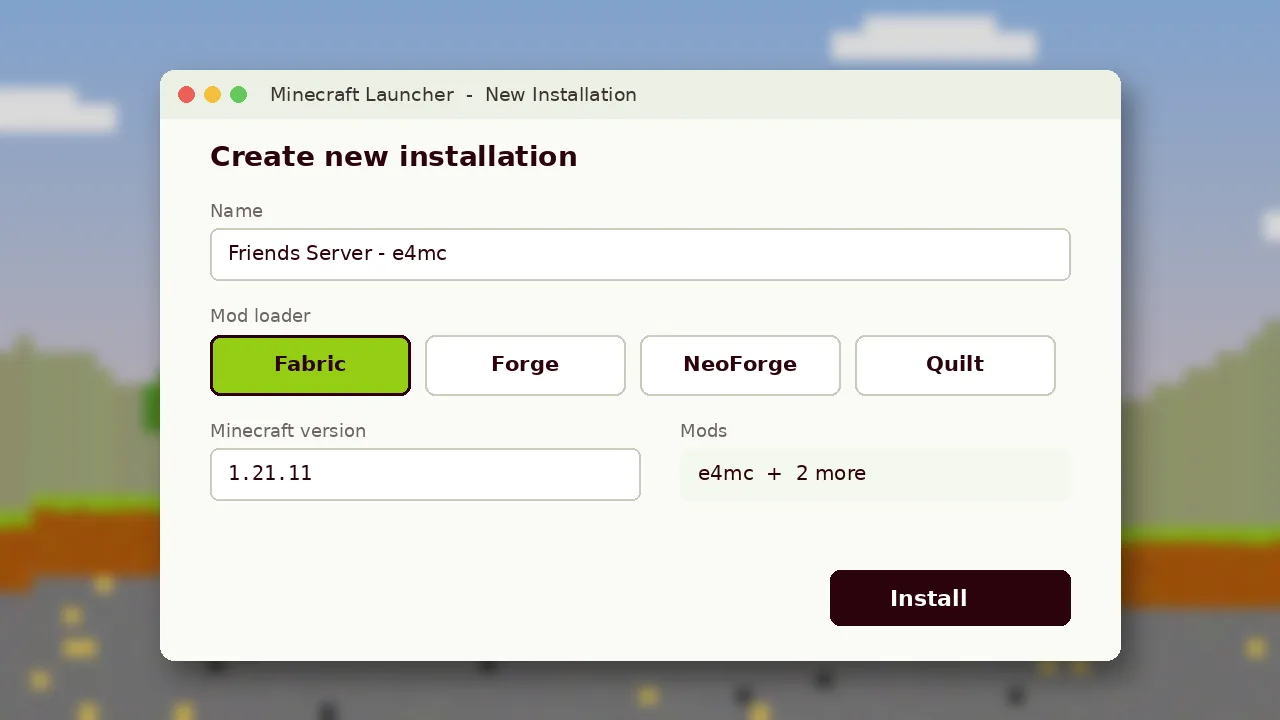
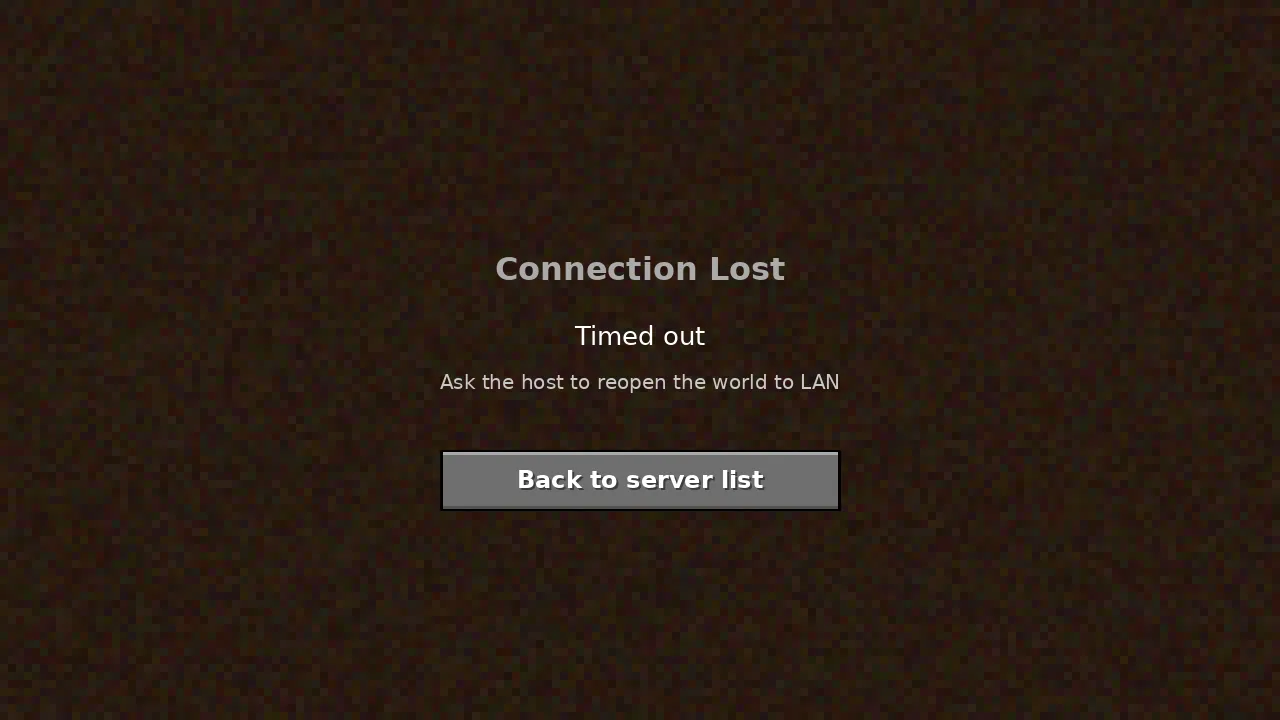
See each step of an E4MC Mod session, from opening to LAN to friends spawning in. Click any image to enlarge.
What hosts, students, teachers and creators say after using E4MC Mod.
My ISP uses CG-NAT, so port forwarding never worked. E4MC gave us a working domain on the first try. Four of us played for three hours without a single disconnect.
I test my own Fabric mod with a classmate. Being able to share a world in seconds instead of setting up a server has sped up our debugging a lot.
Works great on NeoForge 1.21.1 with a 180-mod pack. Friends still need the pack itself, which is expected. Minimap waypoints reset when the domain changes.
Our class built a city together from home. Students used the normal launcher and just pasted the address. No help desk tickets at all.
I open my world to viewers for an hour after streams. Posting the domain in chat and closing the world afterwards keeps it simple and controlled.
Took me two tries because I first downloaded the Forge file for a Fabric profile. Once I fixed that it just worked. The install guide here helped.
Download the official jar, open to LAN and send one link.