E4MC Version Support Guide
Which Minecraft versions does E4MC Mod support? A clear look at 1.12.2, 1.16.5, 1.18 to 1.21.11 and the new 26.x builds by loader.
Players search for the E4MC Mod on almost every Minecraft version, from 1.12.2 to the newest releases. This guide explains which versions have official builds, what the new 26.x numbering means, and what to do if your version is not covered.
Modern Versions: 1.18 to 1.21.11
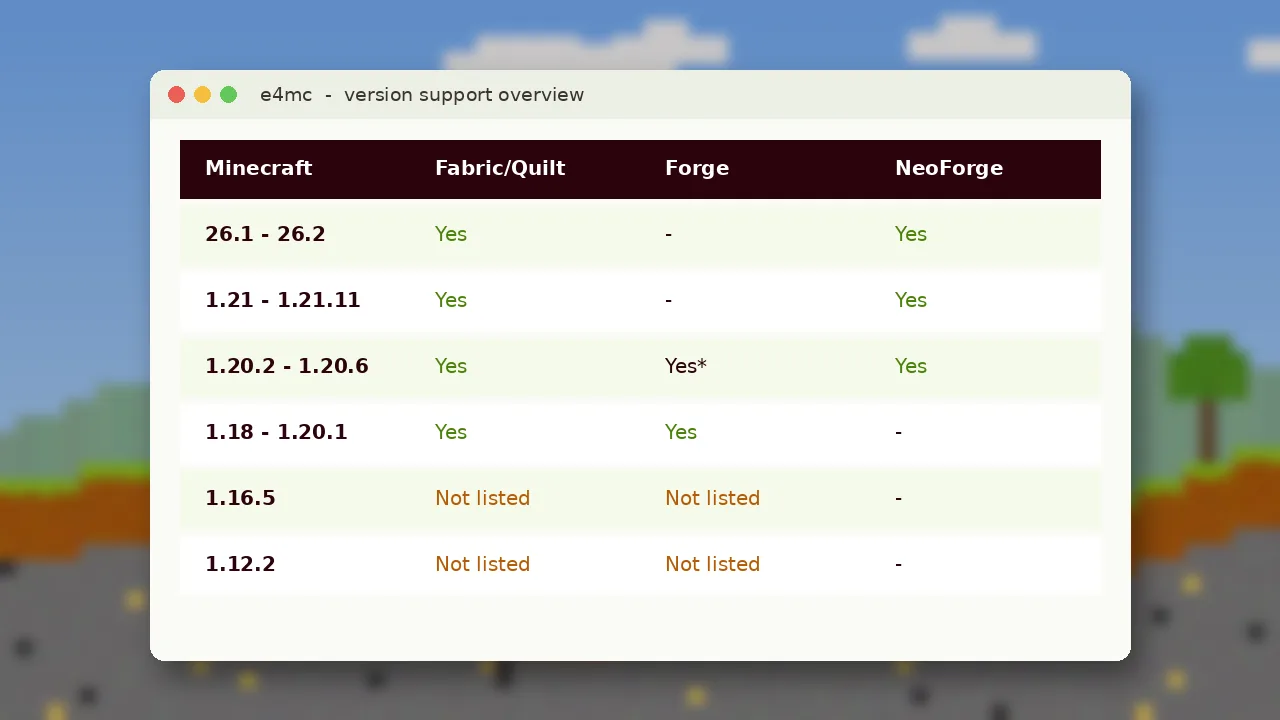
This is the core range. Fabric and Quilt builds span 1.18 to 1.21.11. NeoForge builds start at 1.20.2. Forge builds cover 1.18 to 1.20.4. If you play any 1.20.1 or 1.21.x modpack, there is a matching file.
The 26.x Releases
Minecraft moved to year-based version numbers, so releases after 1.21.11 are named 26.1, 26.2 and so on. E4MC offers a separate "modern" Fabric build and NeoForge builds for these versions. Always pick the file labelled for 26.x.
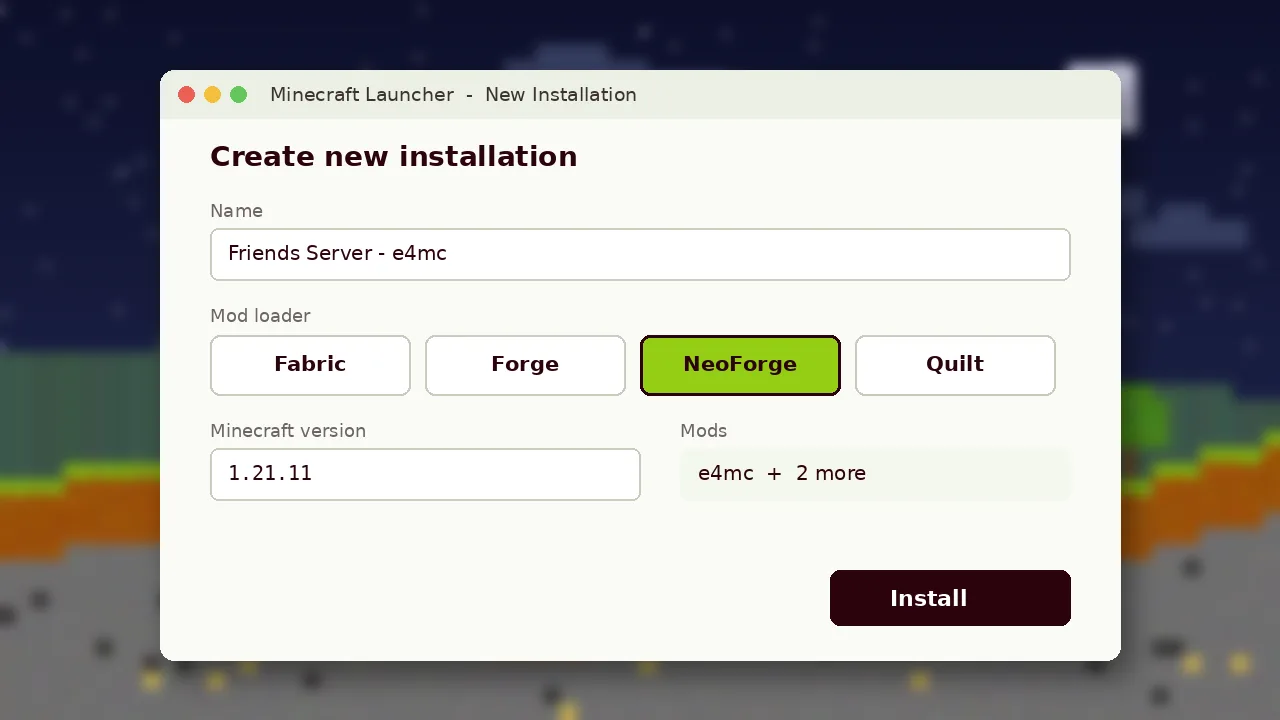
E4MC Mod 1.16.5
There is no 1.16.5 build in the current listings. If you must stay on 1.16.5, consider updating your pack to 1.18.2 or newer, which most popular mods support, or use a non-mod option such as a VPN-style LAN tool for that session.
E4MC Mod 1.12.2
Minecraft 1.12.2 predates the networking changes e4mc relies on, and no official build exists. Be careful with files claiming to be "e4mc 1.12.2" on unofficial sites; they are not from the developer and may be unsafe.
How to Check Before Downloading
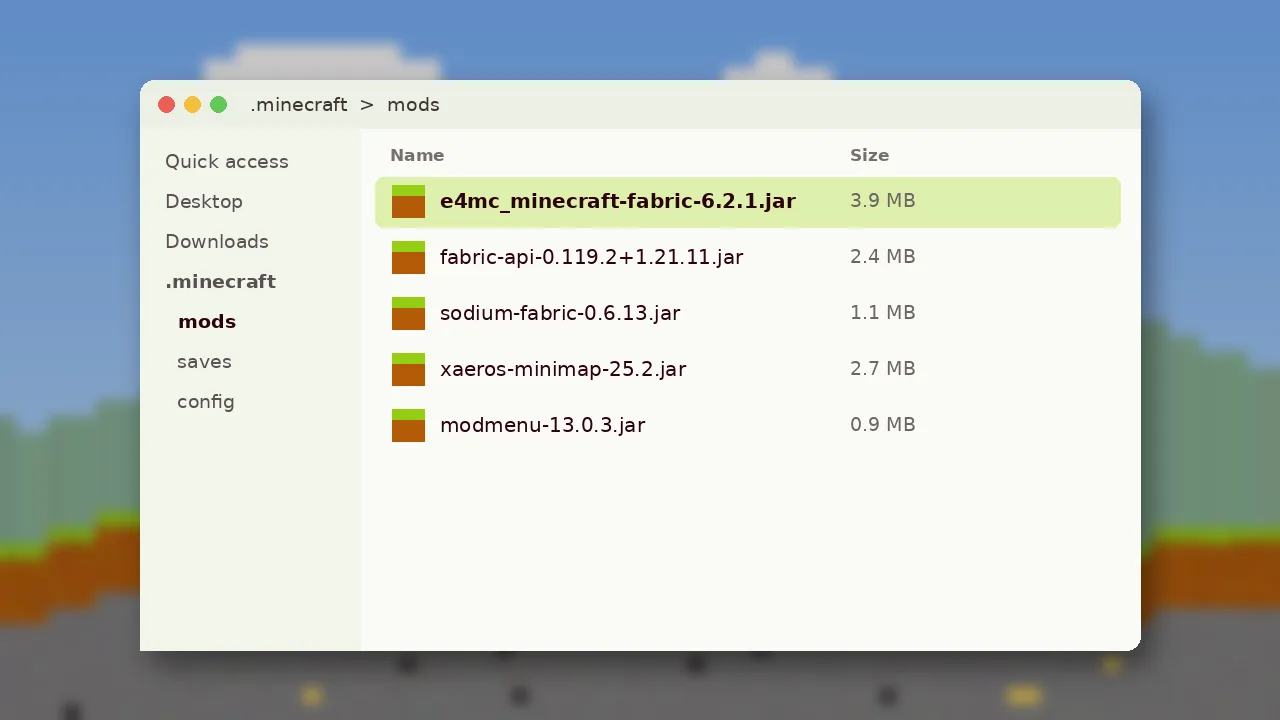
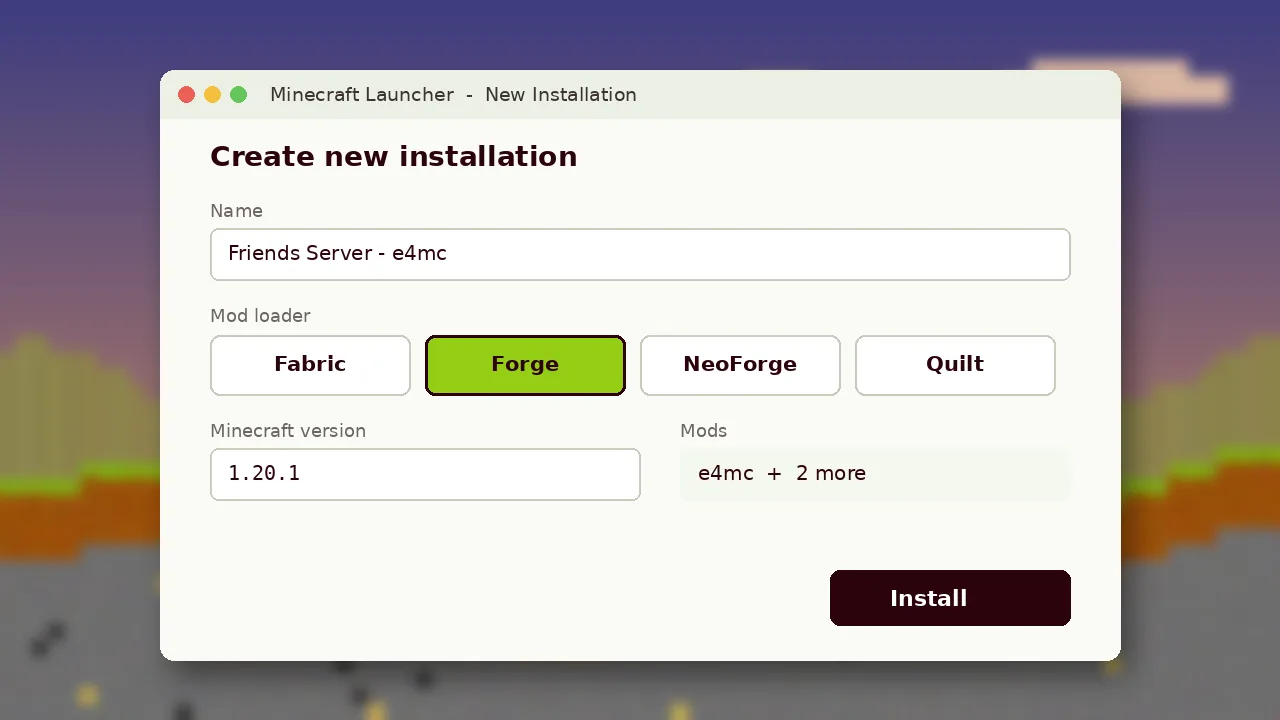
- Open your launcher and note the exact game version and loader of your profile.
- On the download page, filter by that version and loader.
- Read the file name; it should include your loader.
Staying Up to Date
New Minecraft releases usually receive e4mc builds shortly after launch. Follow the official project pages for release notes, and check the compatibility table for a quick overview. Installation steps live in our install guide.