How to Install E4MC Mod
Install E4MC Mod in minutes: pick the right loader, drop the jar in your mods folder and open your first LAN world to friends online.
The E4MC Mod is one of the easiest ways to share a single-player Minecraft world with friends over the internet. There is no router login, no port number to type and no separate server program. This guide walks through the full installation on every supported mod loader, then shows you how to confirm everything works before you invite anyone.
.minecraft/mods, launch the game, open a world and click Open to LAN. A shareable *.e4mc.link domain appears in chat.Before You Start
E4MC Mod is a Minecraft: Java Edition mod. It does not work with Bedrock, Pocket Edition or console versions. You also need to know which Minecraft version you play, because each e4mc file targets a range of game versions and a specific loader.
- A legitimate copy of Minecraft: Java Edition signed in through the official launcher or a trusted third-party launcher.
- A mod loader: Fabric, Quilt, Forge or NeoForge.
- About five minutes and a stable internet connection.
Step 1: Install a Mod Loader
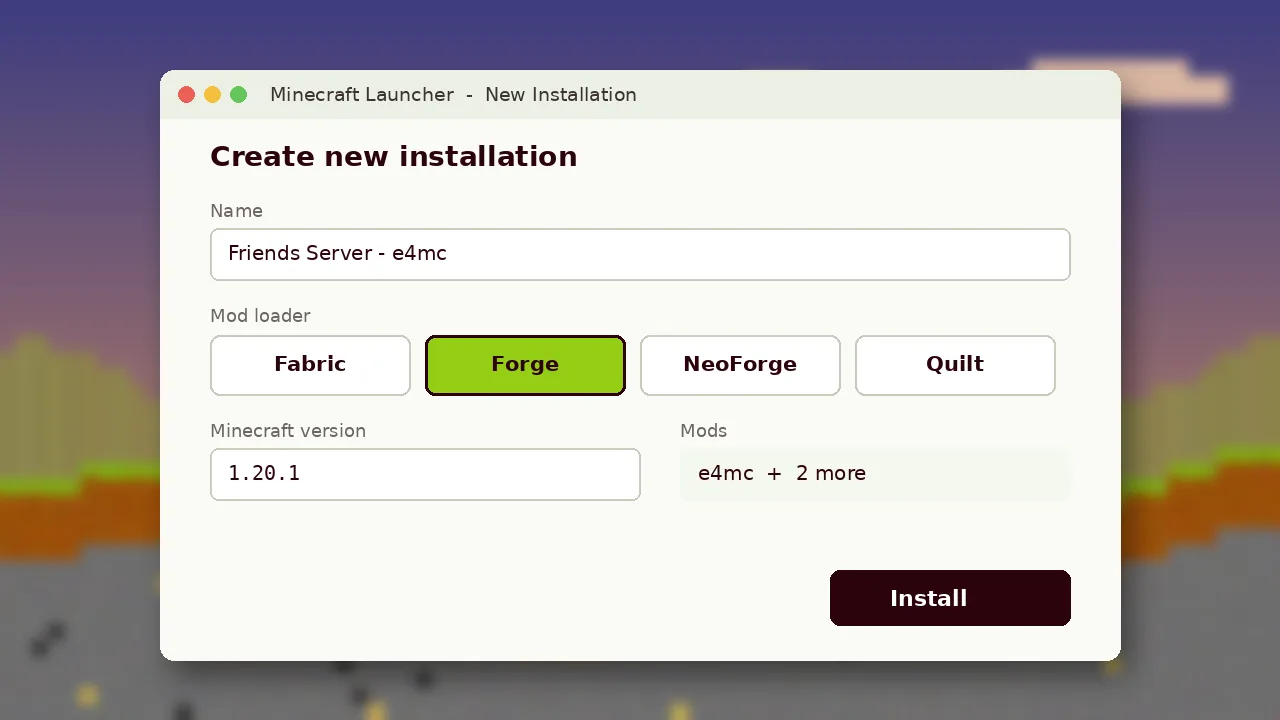
If you already play with mods, keep the loader you have. If you are starting fresh, Fabric is the lightest option and covers the widest version range for e4mc. Download the official installer from the loader's website, choose your Minecraft version, and run it. A new profile appears in your launcher.
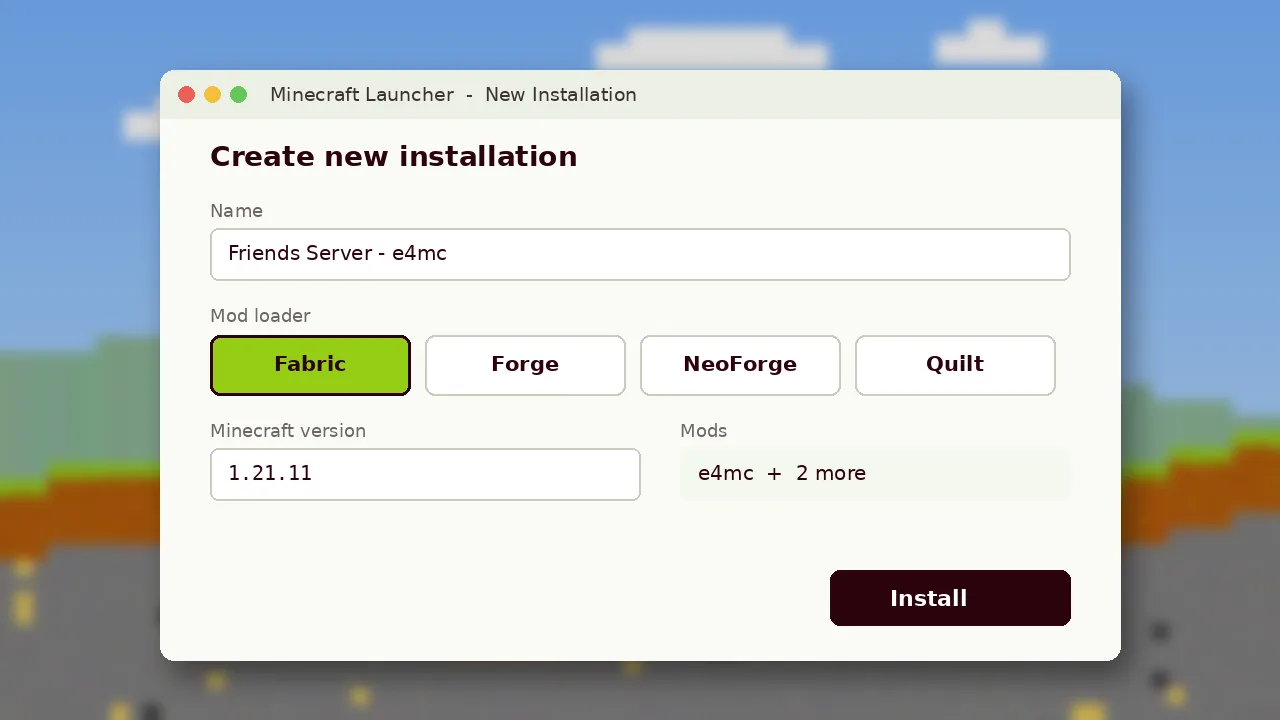
Step 2: Download the Right File
Open the E4MC Mod download page and choose the file that matches both your loader and your game version. The file names include the loader, for example e4mc_minecraft-fabric or e4mc_minecraft-neoforge. Picking a Forge file for a Fabric profile is the most common reason the mod silently fails to load.
Step 3: Add the Jar to Your Mods Folder
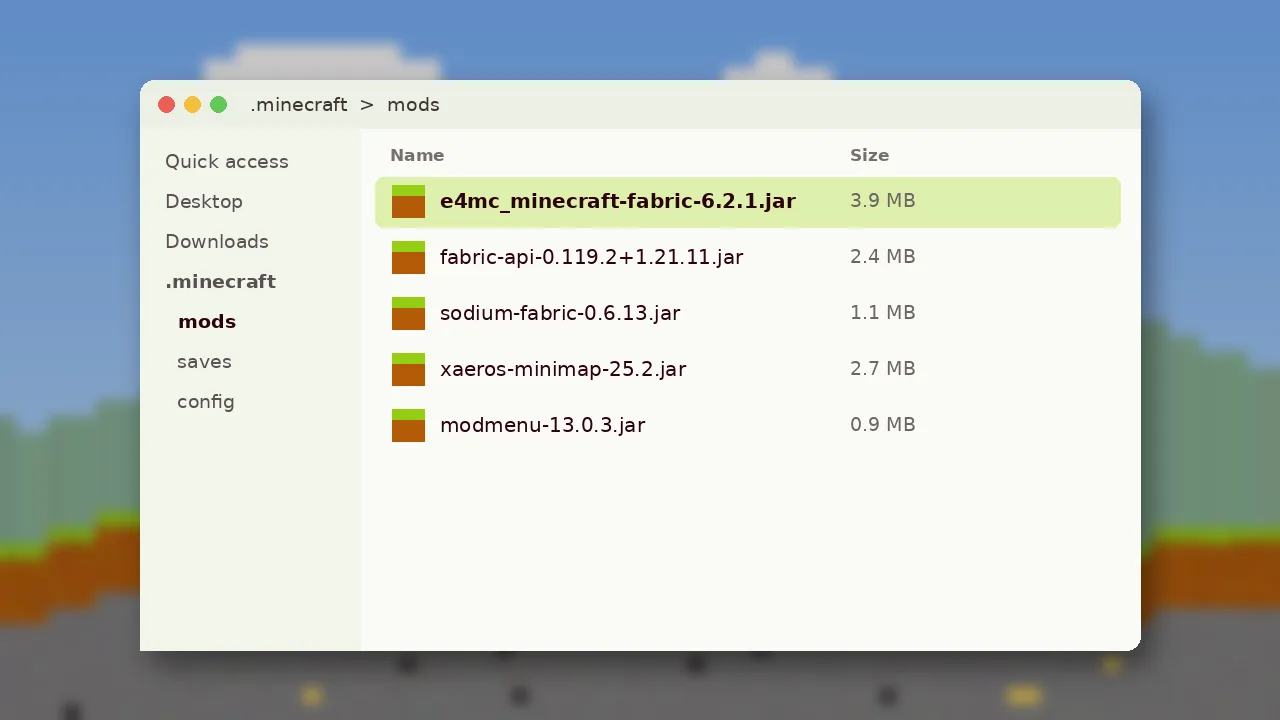
Launch the new loader profile once so it creates its folders, then close the game. Open your mods folder and drop the jar inside:
- Windows: press Win + R, type
%appdata%\.minecraft\modsand press Enter. - macOS:
~/Library/Application Support/minecraft/mods - Linux:
~/.minecraft/mods
If you use a launcher such as Prism, Modrinth App or CurseForge, add the mod from inside the instance instead. These launchers place the file in the correct instance folder automatically.
Step 4: Open Your World to LAN
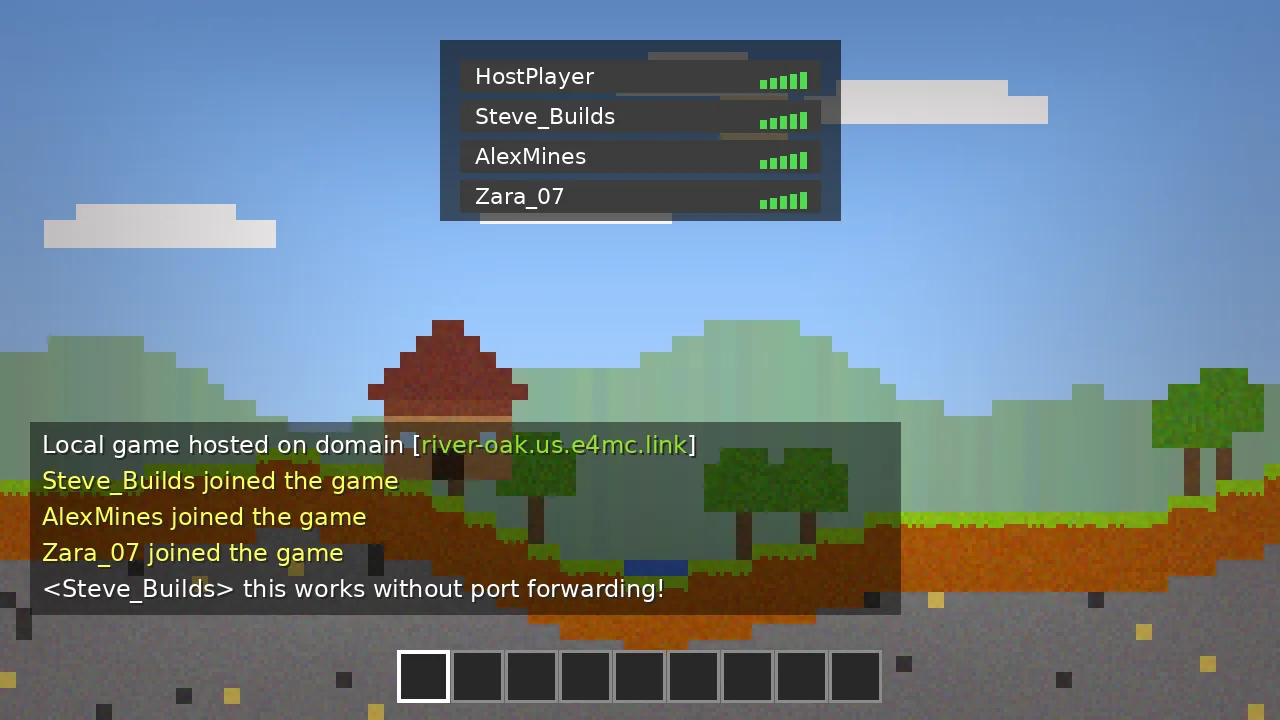
Start Minecraft with the loader profile, load any single-player world and press Esc. Click Open to LAN, choose the game mode and cheat settings, then click Start LAN World. Within a few seconds a message appears in chat with a domain ending in .e4mc.link. Click it to copy.
Step 5: Share the Domain
Send the domain to your friends. They open Multiplayer, choose Direct Connection or Add Server, paste the address and join. Friends do not need e4mc installed, but they do need the same Minecraft version, and the same content mods if your world is modded. For a deeper walkthrough, read how to play with friends using E4MC.
If Something Goes Wrong
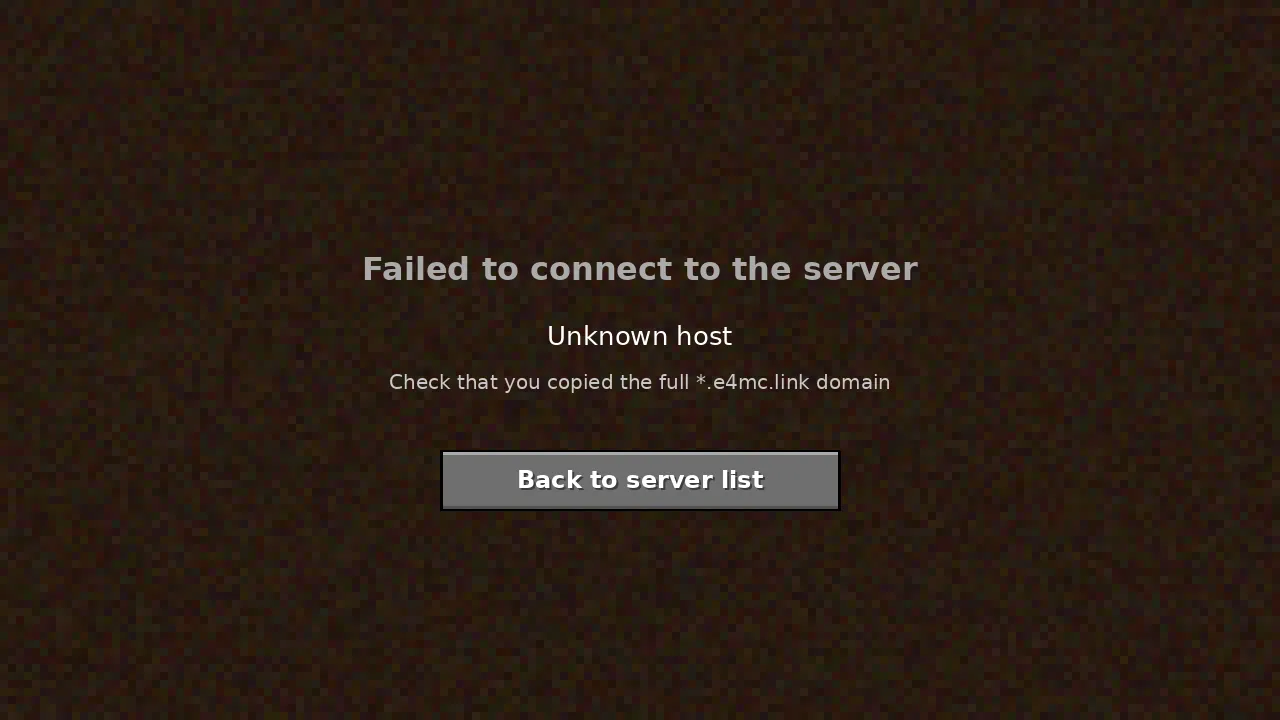
No domain in chat usually means the jar is in the wrong folder or does not match your loader. If friends see "Unknown host" or time out, check the E4MC not working guide and the full user guide.